br
brizing
#1
 Community
re issue at your primary domain outsur.cc
then issue as hostname ssl
I didn’t understand.
I don’t use a domain outsur.cc
My domain hosting.outsur.cc
And I can’t issue at least a regular SSL for it.
As soon as I issue a regular SSL, I will make a hostname.
Hi!
Did you find the below code in earlier posts? Please run the code as root and post the output / fix the issue directly yourself  .
.
sudo su -
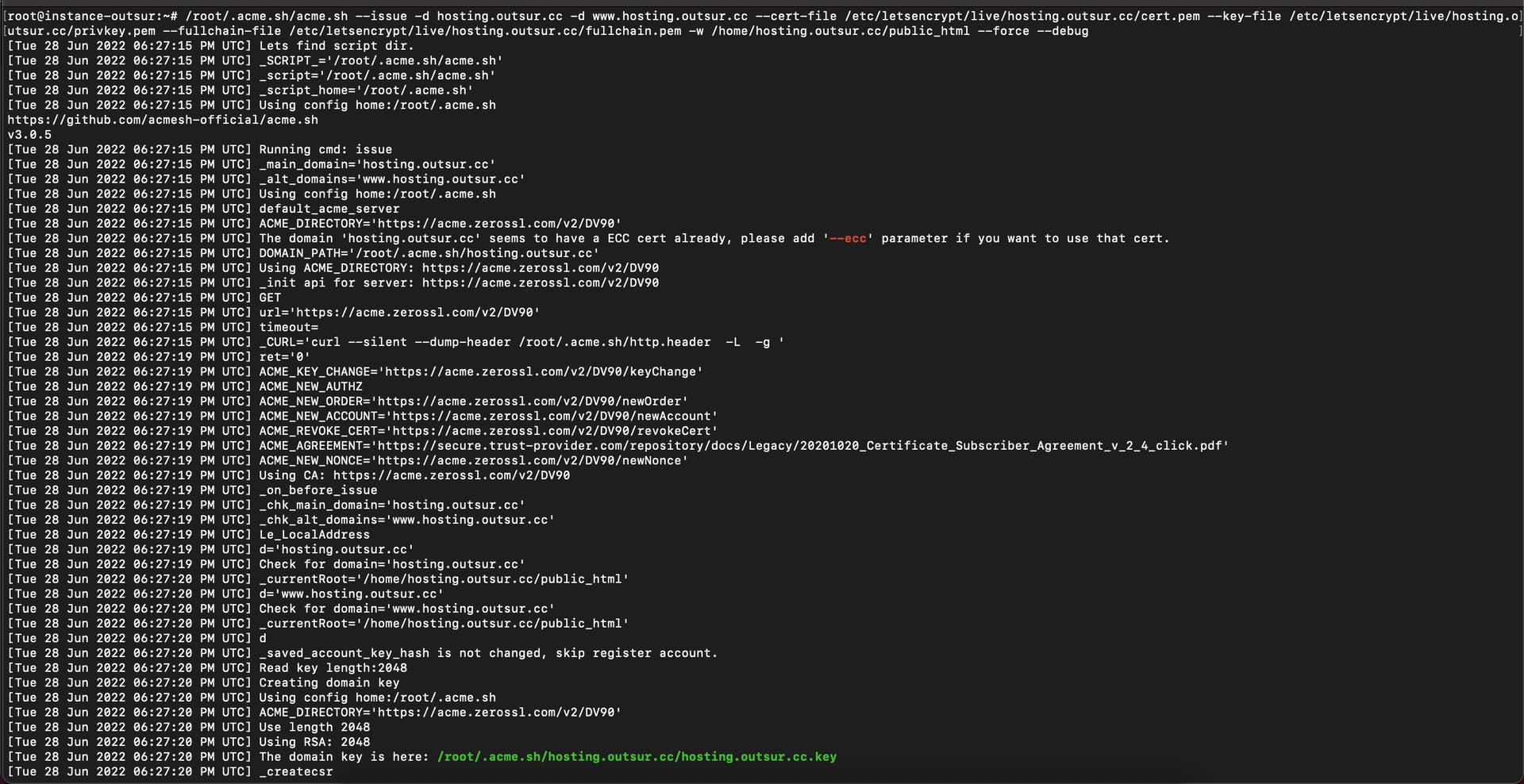
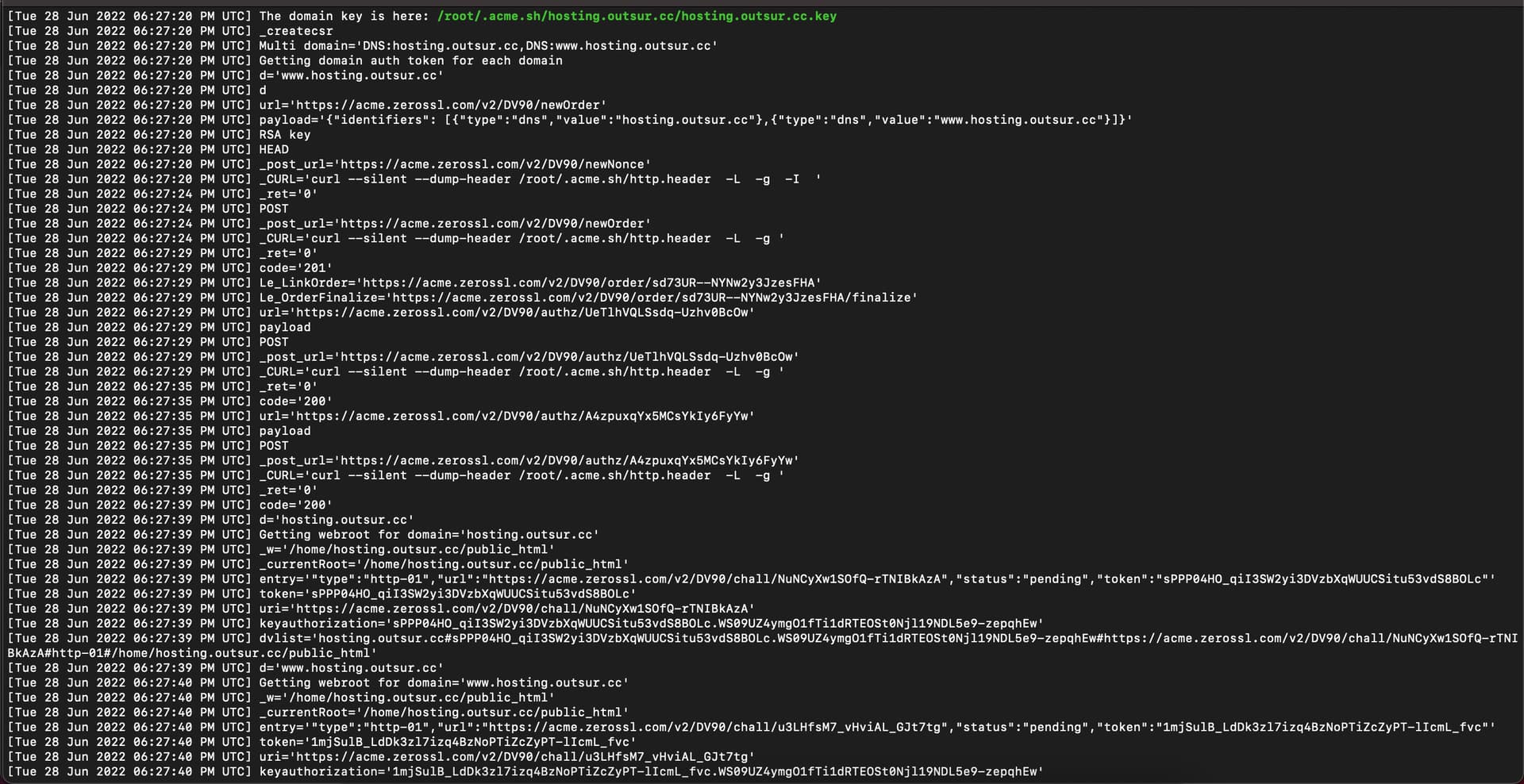
/root/.acme.sh/acme.sh --issue -d hosting.outsur.cc -d www.hosting.outsur.cc --cert-file /etc/letsencrypt/live/hosting.outsur.cc/cert.pem --key-file /etc/letsencrypt/live/hosting.outsur.cc/privkey.pem --fullchain-file /etc/letsencrypt/live/hosting.outsur.cc/fullchain.pem -w /home/hosting.outsur.cc/public_html --force --debug`
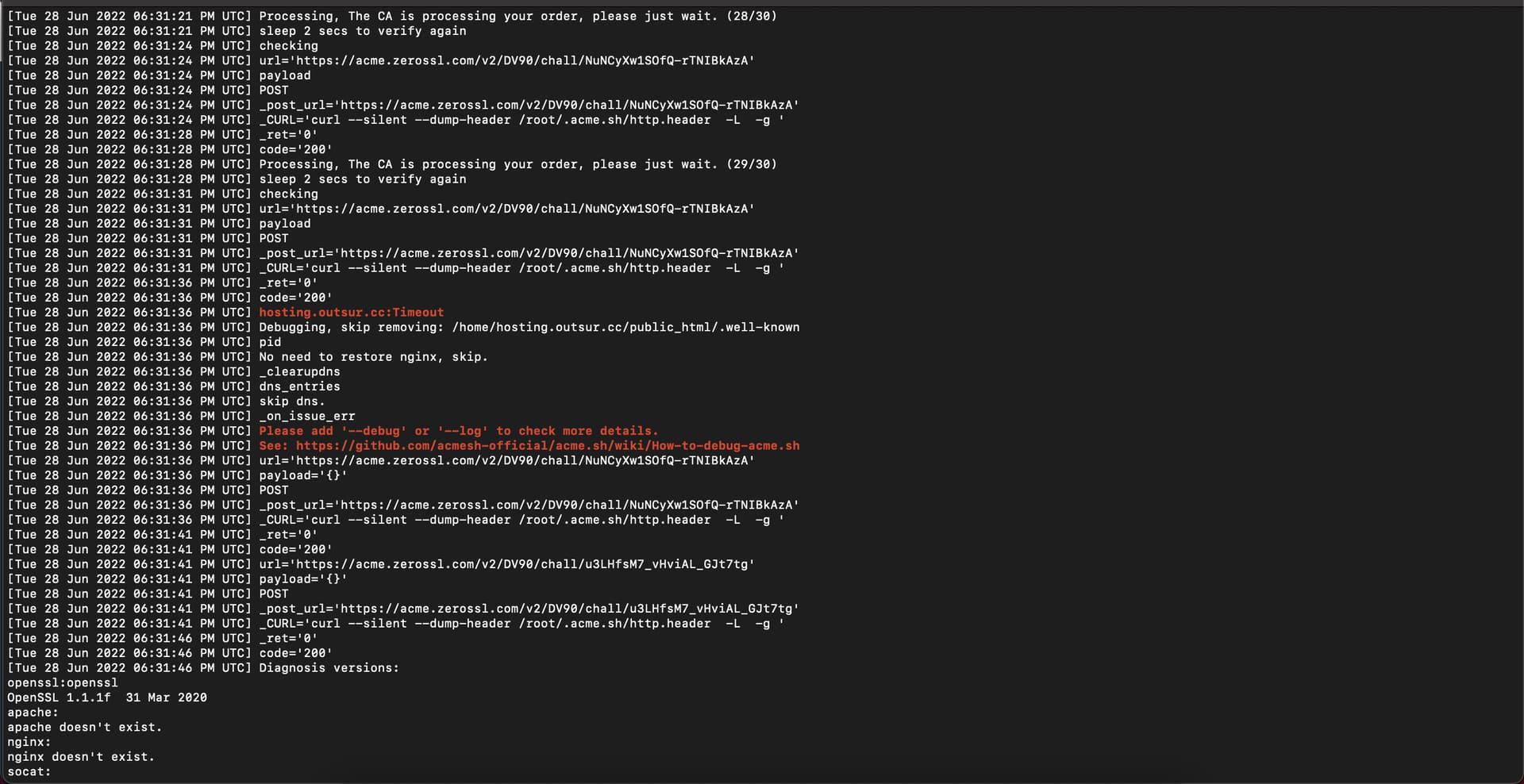
Here’s what I found.
The file is in the site directory:
But the page shows a 404 error:
http://hosting.outsur.cc/.well-known/acme-challenge/sPPP04HO_qiI3SW2yi3DVzbXqWUUCSitu53vdS8BOLc
Are we close to solving this mystical story?
upd:
There is no file in the site directory .htaccess
For the test, I uploaded 2 more files:
/public_html/.well-known/test.jpeg - 200 OK
/public_html/.well-known/acme-challenge/test.jpeg - 404 Error
So, there seems to be an error in the acme-challenge folder.
I deleted the folder manually.
Then I started issuing the certificate through the console again.
Now another error has occurred:
Some kind of problem with the domain www.hosting.outsur.cc 
www. domain was proxied 
To make everything beautiful, I removed the site from the panel altogether and added it again.
Yes, SSL is ready.
Thanks gwnmikedus!
The code from the previous message allowed to debug.
This topic is closed to new replies.