Mi
I install fresh Cyberpanel web on my VPS server, Lite speed works fine but cyberpanel show server 500
Any help
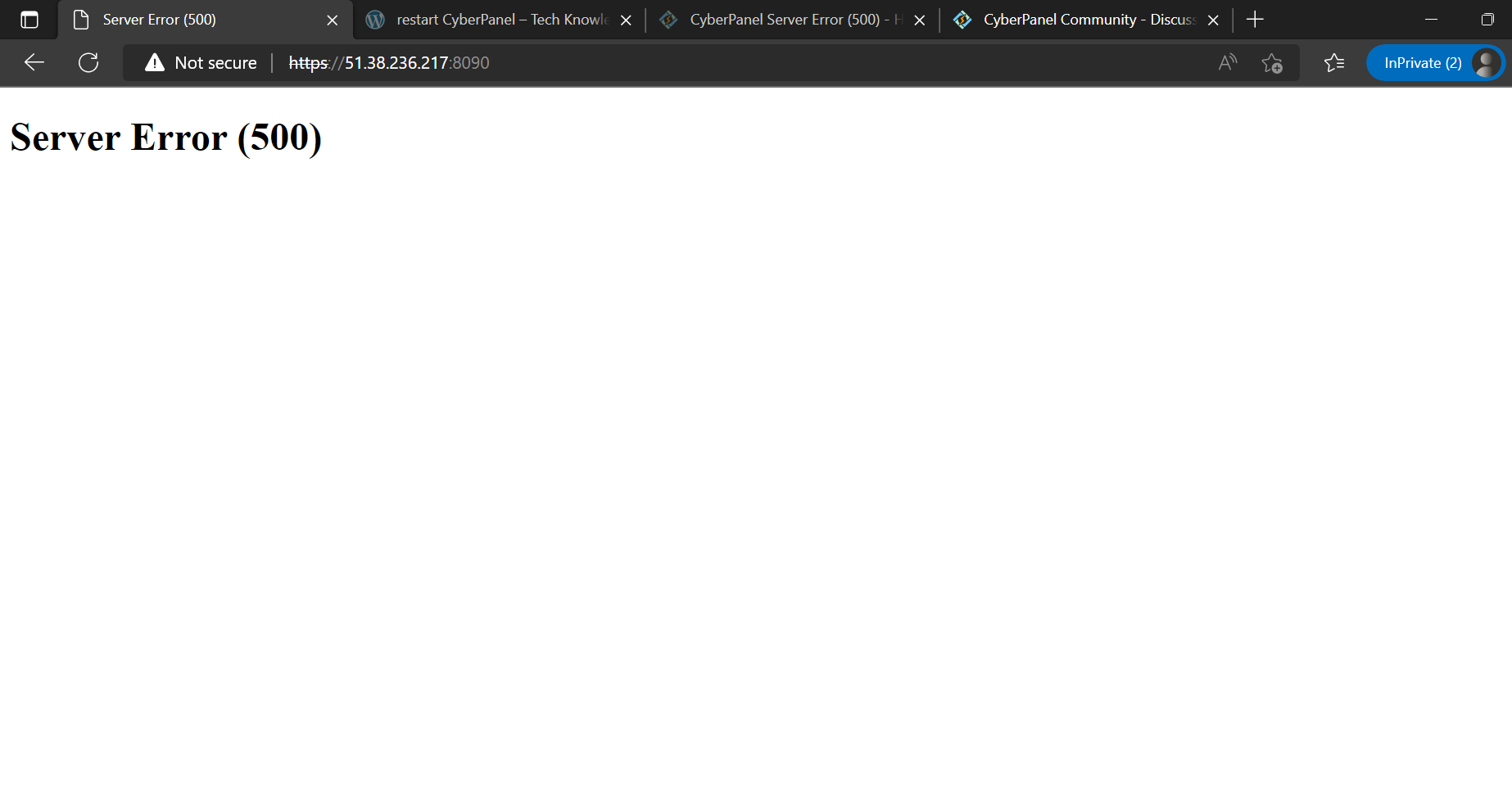
You can visit : Server Error (500)
 Community
I install fresh Cyberpanel web on my VPS server, Lite speed works fine but cyberpanel show server 500
Any help
when installing Cyberpanel did you choose use default password of (1234567)?
If yes please reinstall your server and choose random password when installing Cyberpanel.
Hello,
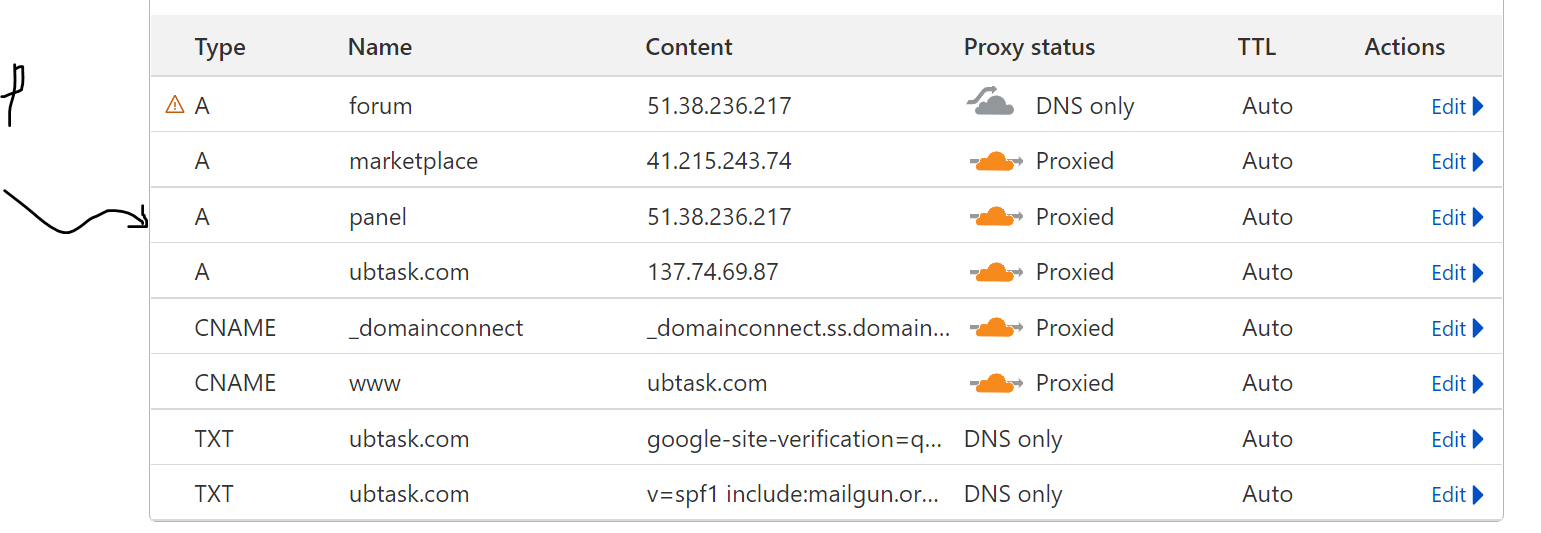
do you use Cloudflare? If yes, please make sure your DNS records are correct on Cloudflare dashboard.
Do you have a main domain on this VPS? If yes, make sure DNS records are correct for the domain also, and then try accessing :8090 port from he domain (https://yourdomain:8090)
System info, logs, past activities or any other info would be useful to help further
Thanks and regards!
haa ? that default password make a failure ???
really ?
have you try https://ip.ip.ip.ip:8090/logout ?
Yes, I choose a random password, Lite speed admin panel works fine but cyber panel show server error 500. I will reinstall new cyberpanel with different password
Yes. I set up two VPS servers on Cloudflare with different IP addresses. check :
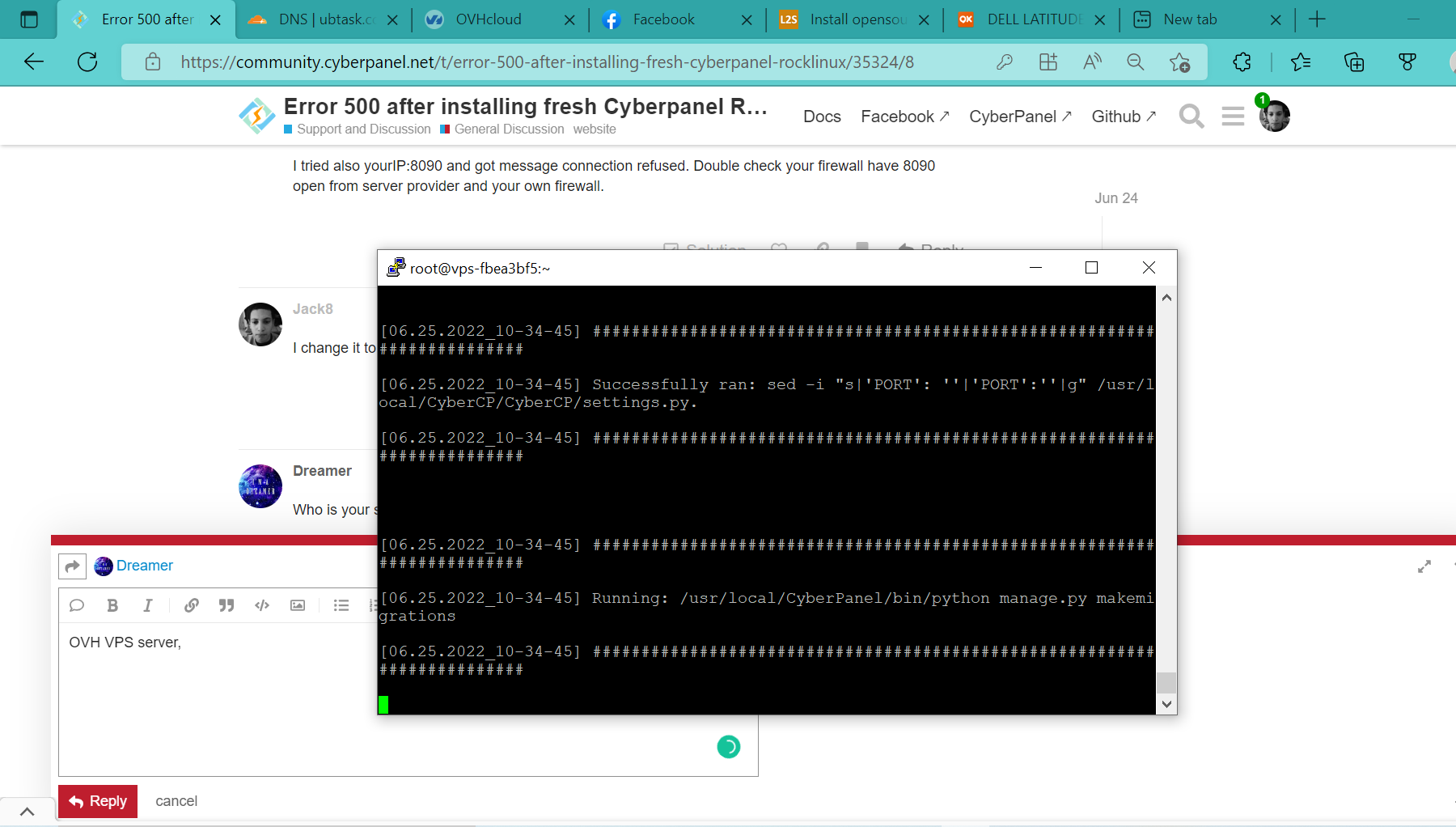
I’m trying to install new fresh cyberpanel
Set cloudflare cloud gray. Cloudflare proxy dont support port 8090
I tried also yourIP:8090 and got message connection refused. Double check your firewall have 8090 open from server provider and your own firewall.
I change it to DNS only
Who is your server provider?
OVH VPS server.
I’m trying to install new cyber panel on OVH panel.
+1…
to access 8090 you cant set behind the proxy
btw are you having trouble accessing your cyberpanel using https://ip.ip.ip.ip:8090 ?
Hello,
installing it fresh worked or still need help?