NL
Nam Le
#1
 Community
you cannot open 8090 ?
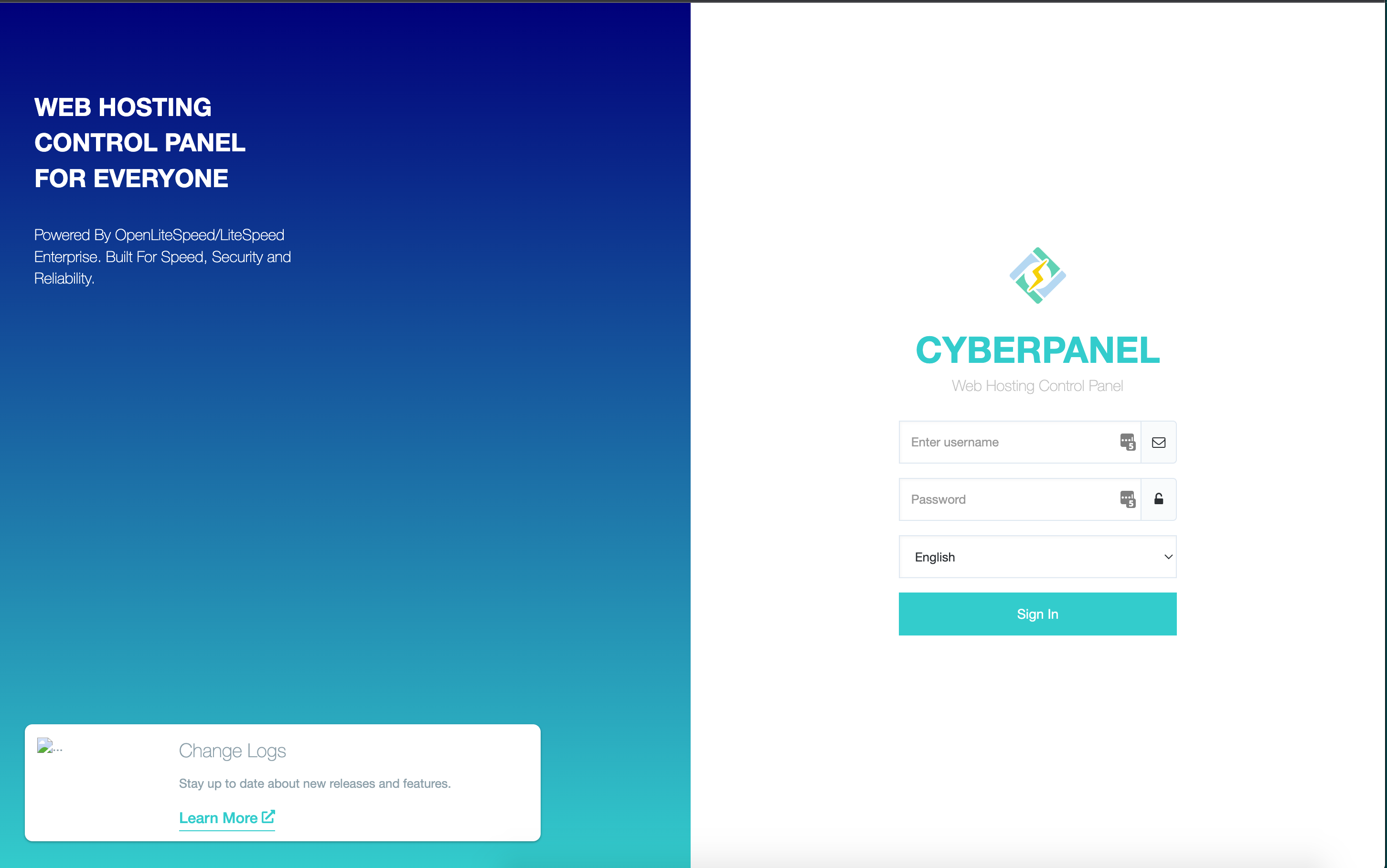
please use https://domain.tld:8090/logout
then check your version
I try it but I got this error Server Error (500)
Thanks
are you editing something before ?
afaik cyberpanel:8090 is never get 500
I didn’t touch anything, just several days ago VPS was down without reason. I reboot VPS and updated Cyber panel. But I didn’t work and get this error.
now try upgrade
or paste the version here
This worked for me, It was sending me straight to phpMyadmin at https://domain.tld:8090 but was unable to access the panel. Thank you for this
paste/screenshoot your cyberpanel version
or you can use  https://yourdomain.tld:8090/logout until developer fix this bug completely
btw what distro you use ? UBUNTU ?
**remember to use /logout
that will call alternative “login page”
cc: mr @usmannasir and @shoaibkk
not the problem is different… your login screen available…
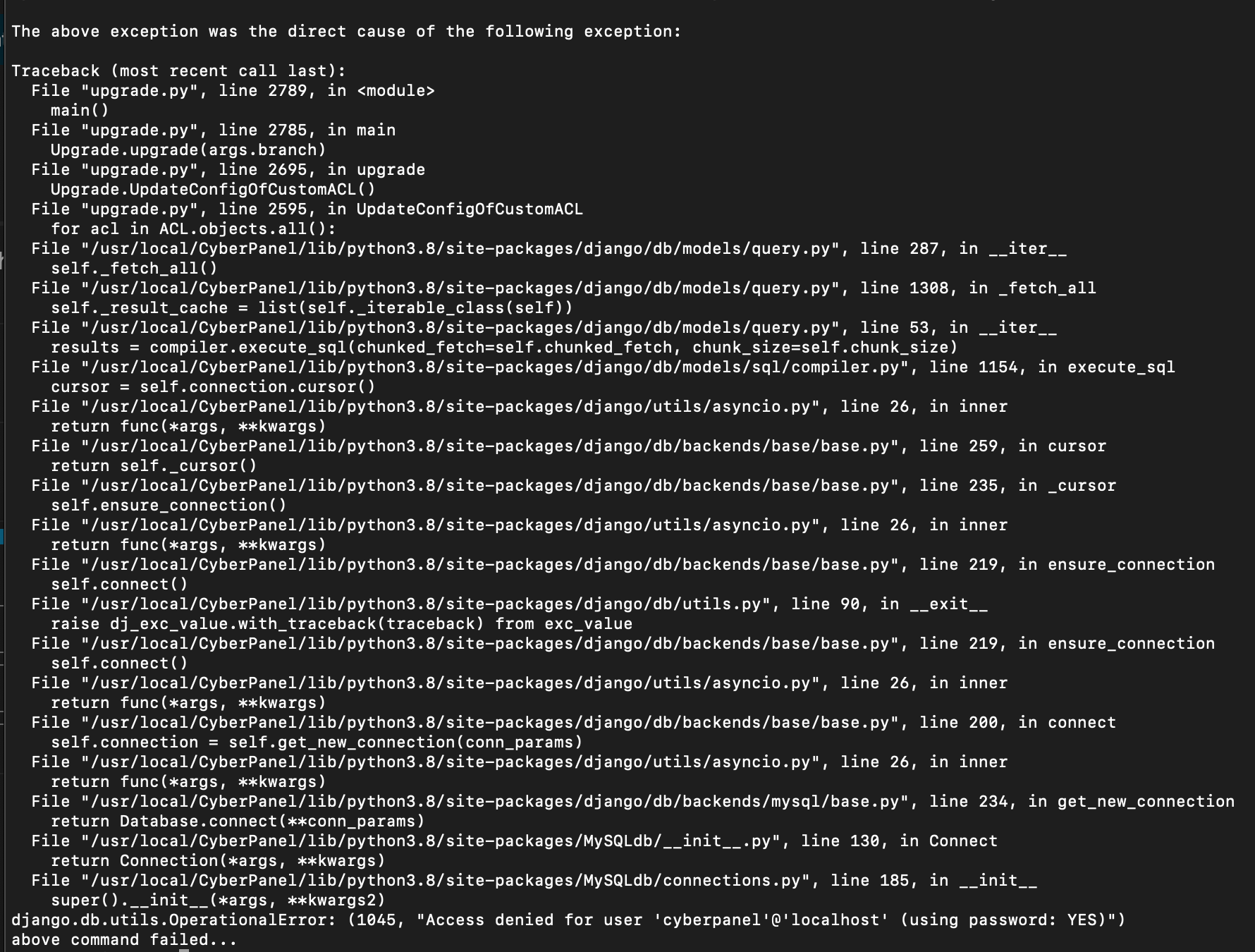
now about the access denied
wrong password?
sometimes (info from one of member here) do you use 123456?
i dont know about this
I can access logout https://yourdomain.tld:8090/logout page but not home page
https://yourdomain.tld:8090/ after I did upgrade cyberpanel error. Now I can’t repair.
but im not recommended if you not familiar with cli…
I checked location: /usr/local/CyberCP/public but didn’t have file index.php.
developer must release the “cleanning” from phpmyadmin extract bug …
@shoaibkk @usmannasir
still have this issue?
message me and i help you by anydesk
I got this error because I update ubuntu to 22.
Now I want to update lasted version for dev which supports ubuntu 22 but it doesn’t work.
Hello @tmoore @MyIDKaTePe .
I am also facing the same issue. I tried upgrading my cyberpanel and now https://:8090 shows phpmyadmin login page but https://:8090/logout works for cyberpanel login screen and also allows me to login.
But I am not sure why this is happening. When I tried upgrading my cyberpanel I also gave me error
Nov 30 16:00:16 server.baskethunt.com systemd[1]: php7.2-fpm.service: Main process exited, code=exited, status=78/CONFIG
Nov 30 16:00:16 server.baskethunt.com systemd[1]: php7.2-fpm.service: Failed with result ‘exit-code’.
Nov 30 16:00:16 server.baskethunt.com systemd[1]: Failed to start The PHP 7.2 FastCGI Process Manager.
After this Everything has ruined for me. If I am unable to solve this error. I will stop using cyberpanel I guess. I was also not able to find any solution for this. And I guess this is because of recent update that cyberpanel has realeased. And also no one is looking at it as well.
Anyone please loot for this and help me.
If it is showing you the phpmyadmin page, run this script:
sh <(curl https://raw.githubusercontent.com/tbaldur/cyberpanel-fix-23-06-2022/main/fix.sh || wget -O - https://raw.githubusercontent.com/tbaldur/cyberpanel-fix-23-06-2022/main/fix.sh)
That was due to a wrong extract command on one of the updates of cyberpanel.
Hi, I ran into the same issue, can access the /logout page but can’t login, so it’s not a solution.
Any one solves this yet?