Hi Tabsowo,
We have tried both ways. I have deleted sub domain and followed the below steps.
Step 1
Using Create Website, i go Create New Website - CyberPanel
Filled Select Package, Select Owner, Enter Domain name- testing4 dot webespire dot com then filled email, select PHP and tick SSL
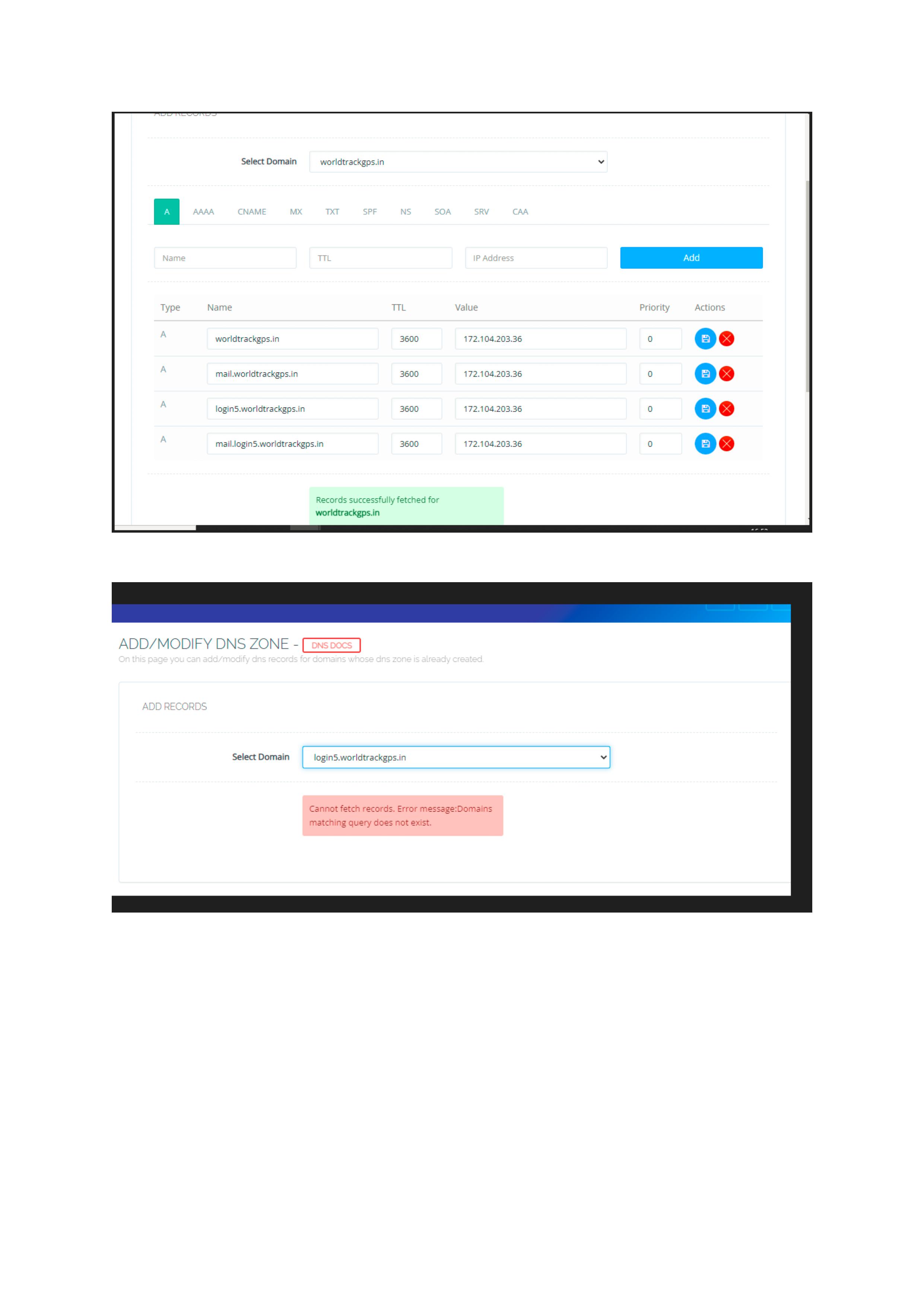
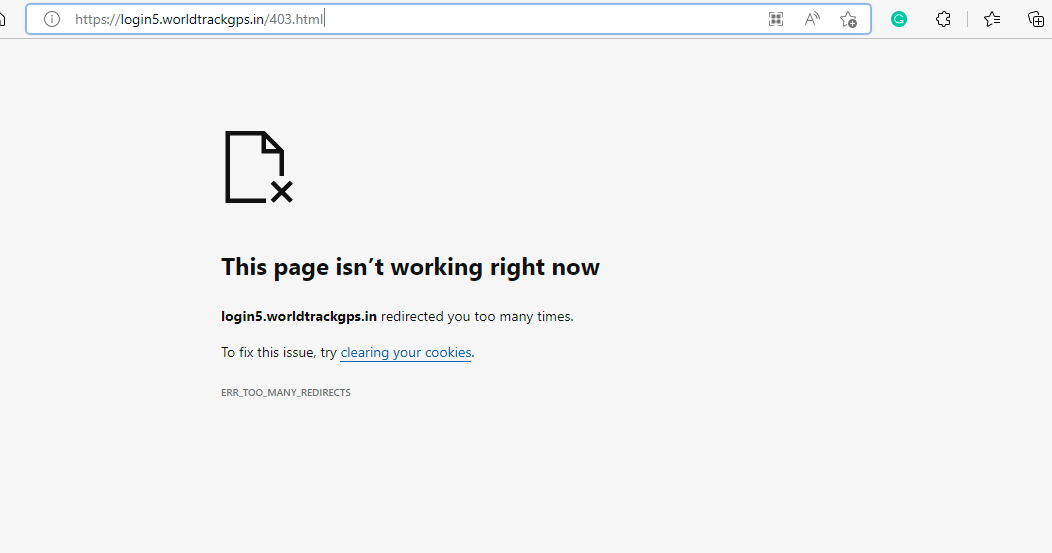
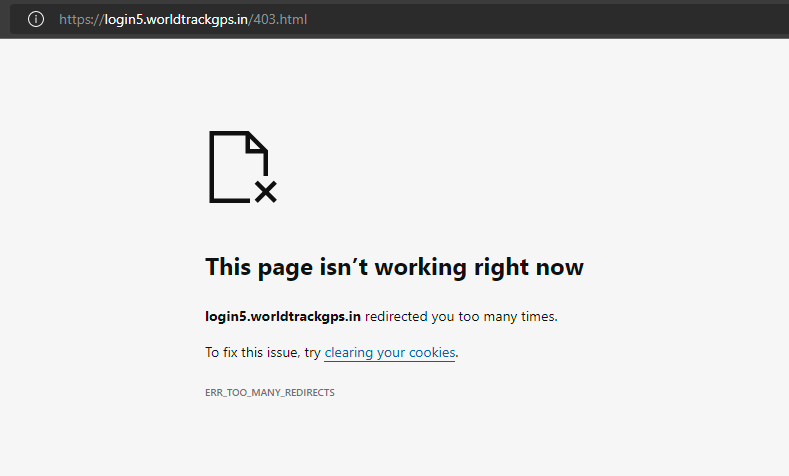
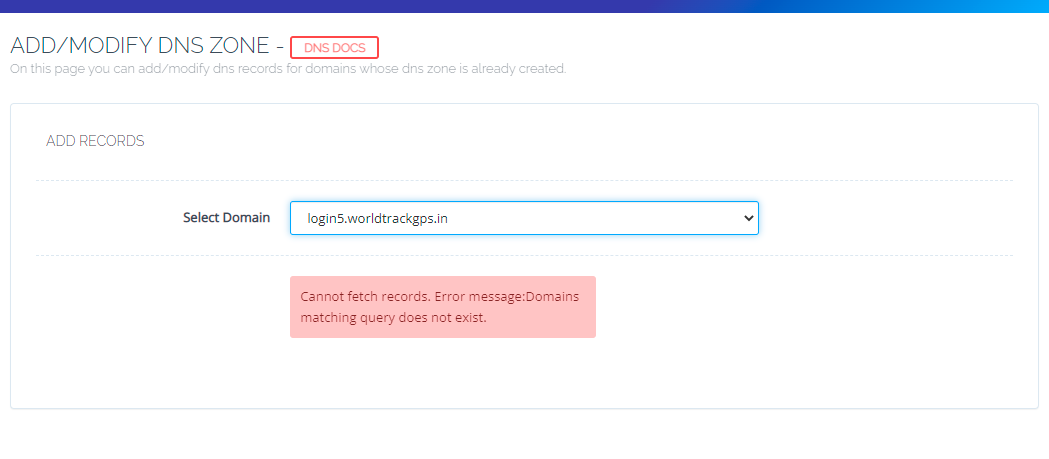
After creating a website, i have added DNS for testing4 dot webespire dot com and i try to open testing4 dot webespire dot com and it shows a preview but when i try to open Url- testing4 dot webespire dot com it’s open 403.html page and page don’t load.
Step 2
Using create the subdomain from the domain itself
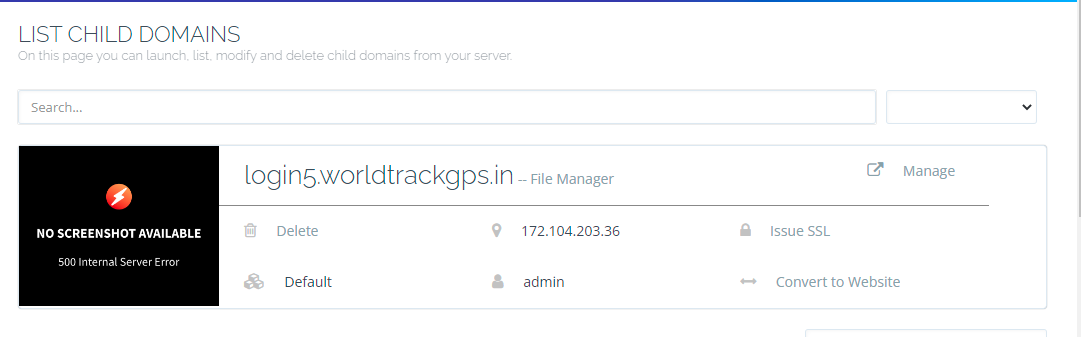
I go list website Websites Hosted - CyberPanel then go a website control panel [saiprintopack dot com - CyberPanel](172.104.203.38:8090/websites/saiprintopack dot com) then click on add domain choose a domain name from drop-down saiprintopack dot com enter domain name- testing4 dot saiprintopack dot com and enter Path: /home/saiprintopack dot com/public_html/testing4 OR Path: /home/saiprintopack dot com/public_html/testing4 dot saiprintopack dot com after that select PHP and choose SSL click on Create Website and open Url- testing4 dot saiprintopack dot com it’s open testing4 dot saiprintopack dot com/403.html page and page doesn’t load.
I am not sure, what’s wrong follow our steps, and step 1 or step 2 is best for creating a subdomain. Please guide us.
Thank You.