
CyberPanel Community

Err_too_many_redirects prevents upload my website

RJ
RIGO JASPE #1

Hello!.

I have been having a issue and I need your help to solve it. I’m trying to upload my website to the root of the server but then the next message pops: “This page isn´t working. Err_too_many_ redirects”. The issue appears once I remove the page (file) with the logo of Cyberpanel so I can upload my website from the file manager. I’ve been trying to fix it for the last two days, I have erased cookies, caches, site to not avail. I use Cloudflare for the DNS manage, the panel is CyberPanel With Openlitespeed server on Vultr hosting.

I would be very grateful for your value help.

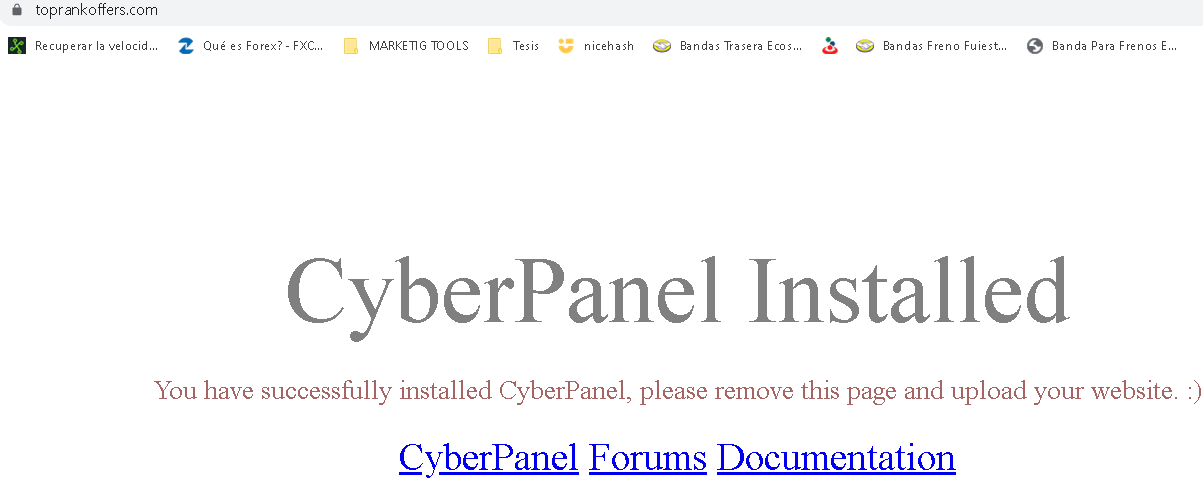
Here´s my domain screenshot toprankoffers.com:
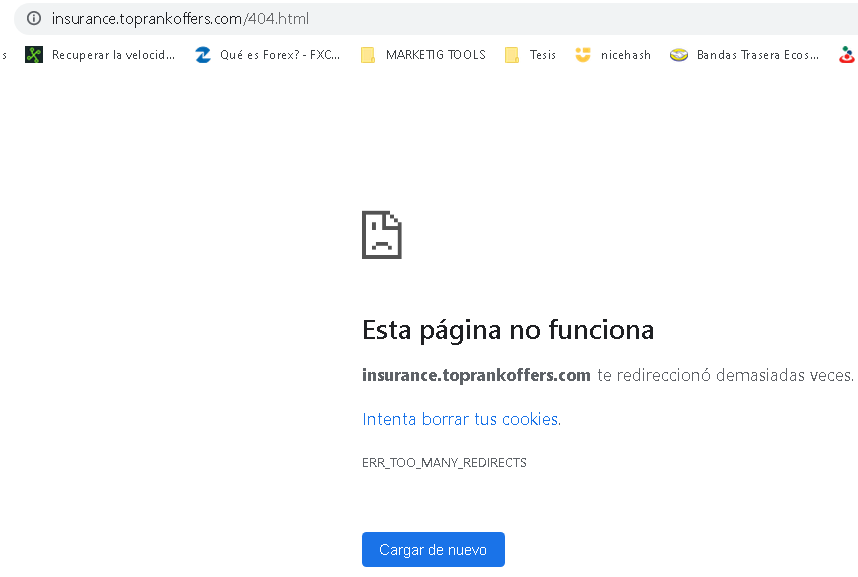
This is the subdomain screenshot of my site:
I don’t have a .htaccess file as I don´t see it in the main directory.

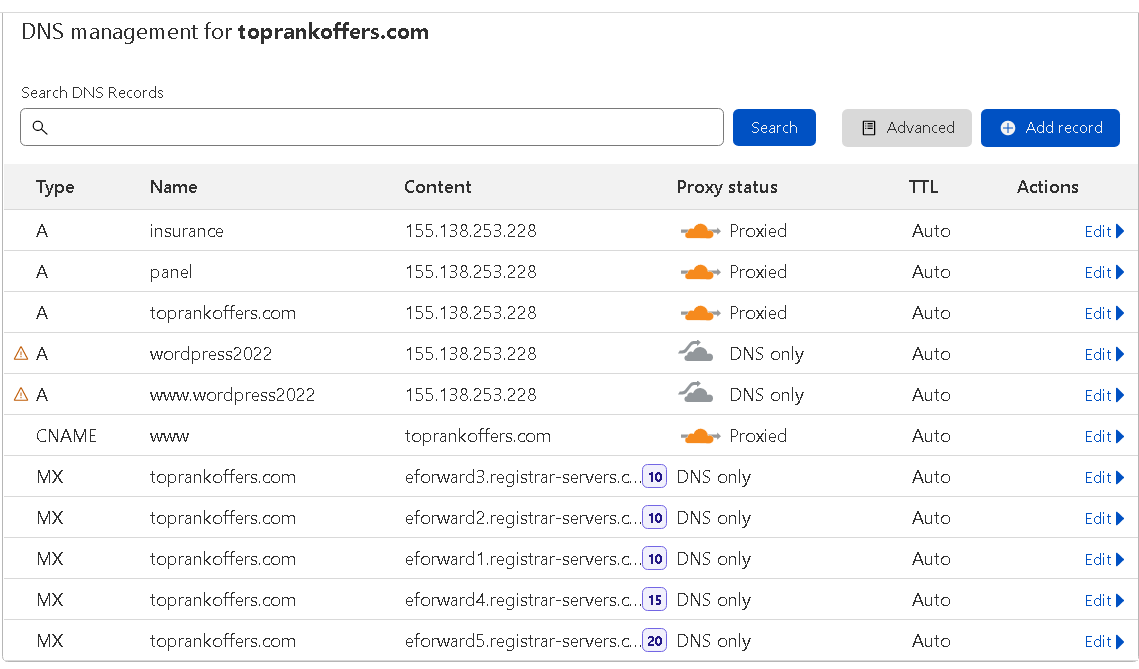
My domain toprankoffers.com managed by Cloudflare:
I would really apreciate your help!

23 replies
J@
John @ S4 #2

What are you uploading to replace the original index page file. Is it just a static html file or are you using some kind of CMS, i.e. WordPress?

Also, have you tried switching off the ‘Proxied’ in Cloudflare so it is ‘DNS only’ to see if it makes a difference?

MK
Mirza Khadnezar S [sick] #3

dont use php 8.1
and if you install wordpress
remove the default index.html
restart litespeed webserver services

did you use add domain for insurance.toprank.tld
or add website ?

make sure you are already do upgrade version to the latest commit

RJ
RIGO JASPE #4

I´m trying to upload a landing page of insurance with form, as a test (I´m newbi in this issue) from the file manager. I got the landing page from a free site and put my domain in the creates sites through cyberpanel. In this moment I have not wordpress.

I did that when I created this site the first time and not was solved the problem, but I can try again and reply.

RJ
RIGO JASPE #5

Hi, MyIDKaTePe

I used php 8.0. I have not istalled wordpress yet. First I wanna upload a landing page (as test) and after download wordpress.
Without download wordpress, must I remuve the default index.html or not?

I used option create website to child domain insurance.toprank.com. Is that ok?

RJ
RIGO JASPE #6

Where can I see and do upgrade version to the latest? please

RJ
RIGO JASPE #7

Hi, [S4_Hosting]

I did your suggest and the answer was ERR_CONNECTION_TIMED_OUT. What must I do?

sh
shoaibkk #8

htaccess content please?

J@
John @ S4 #9

The DNS seems to resolve to the server correctly.

What is in the ‘landing page’ that you are trying to use?

Can you replace it with a super simple html file and see if that will work, then we identify if the problem is the page or something before we get to that point.

Just delete or rename any existing .htaccess file and any index.html or index.php file in the public_html folder using the file manager, and replace it with a file called index.html that just contains this:

<html>
<head>
<title>Does it work</title>
</head>
<body>
<p>If it works then you can read this instead of a timeout message, that would be nice.</p>
</body>
</html>

If that is working then it is a problem with your landing page itself.

RJ
RIGO JASPE #10

Hi, shoaibkk. When I created the site in Cyberpanel don´t got a .htaccess file. I don´t saw it.

RJ
RIGO JASPE #11

Is a landing page about insurances and I got it from a free site for test. It coding have 534 lines, really unknow if this is simple or some complex. I´ll try to find one landing page that seems simpler.

I´ll do your suggest and then reply you. Thanks!

RJ
RIGO JASPE #13

Excuse me, I was wrong. I deleted the last coment since the testing worked. What do I do next?. Thank you!

J@
John @ S4 #14

That’s a good start.

Can you give me a link to the landing page that you downloaded and tried to use?

J@
John @ S4 #17

When you upload it are you putting all of those files in the public_html folder or just the files that are in the ‘public’ folder of the zip file?

RJ
RIGO JASPE #18

Hi. I putted all the files that I dowloaded and upload all of them

ko
kooler #19

This is the issue. Find your .htaccess

RJ
RIGO JASPE #20

Hi. Where can I find my .htaccess?. When I created the site I went to the file manager and I couldn’t find it

ko
kooler #22

This is what i see

<html>
<head>
<title>Does it work</title>
</head>
<body>
<p>If it works then you can read this instead of a timeout message, that would be nice.</p>
</body>
</html>

But favicon.ico is missing and generating several redirections. You should check Chrome => Inspect => Network

ko
kooler #23

domain: insurance.toprankoffers.com

Another thing your 404.html is actually missing
https://insurance.toprankoffers.com/404.html <= This file. Fix your error file and it’ll work.

If you have a custom 404.html add this to your .htaccess and create 404.html in your public_html. Or make sure 404.shtml and other error files exists in your public_html directory.

ErrorDocument  404  /404.html
RJ
RIGO JASPE #24

Ok. I´m going to access the FTP client and looking for the .htaccess file

J@
John @ S4 #25

The 404 file, etc. isn’t the main issue here that is stopping the site from working.

It’s about file location. Only the files in the ‘public’ folder of the zip file with the landing site should be in the public_html folder. That is the big problem.

I didn’t have time to look very closely so I’m not sure what else there is in that zip so you might or might need any of it, but anything else that is needed should definitely go in a folder one level above public_html keeping the same structure as it has in the zip.

RJ
RIGO JASPE #26

Hi, S4_Hosting. Thank you, I really appreciated your help and support to fix my problem! You were right about the issues I had, specifically the ones in which when a landing page has to many files, the main files have to be uploaded on the folder “public_html”. Your analysis removed the redirects and 404 issues in my website.

J@
John @ S4 #27

You are welcome, glad you got it sorted out.

Sign in to reply