Hello,
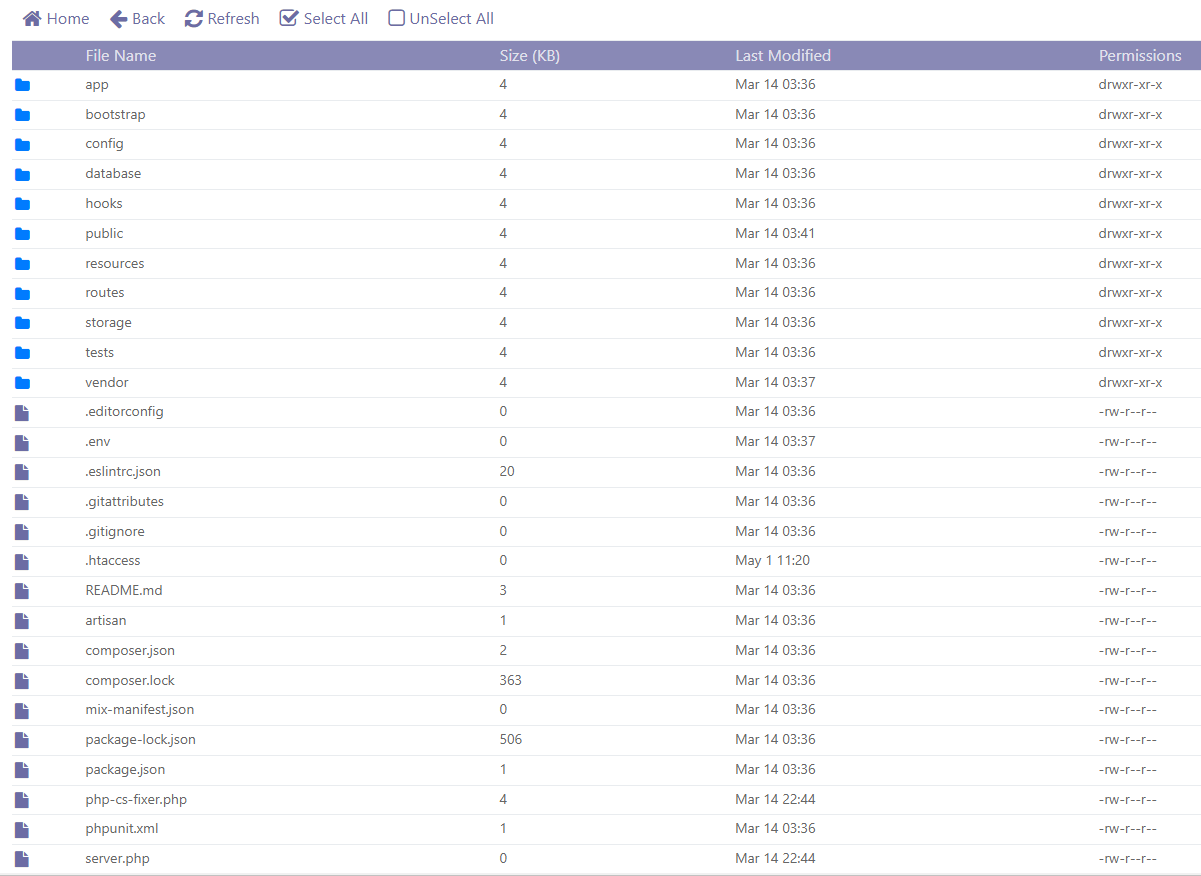
I am trying to install an app on a child-domain (app.domain.com). So that means that the root document would be domain.com/child-domain. I drop in the app files in that directory.
After that I change the CHMOD of the folders that I need to change to 755. Once I do that the devs of the app say the following:
Changing the public directory IMPORTANT
Configure your web server’s document / web root to point to the
publicdirectory of the software. For example, if you’ve uploaded the software inexample.comfolder, your web directory should be changed toexample.com/publicfolder.You can find more info an how to change your site Document root over at:
- For custom servers / VPSs you will have to change your DocumentRoot out of the site’s virtual host file.
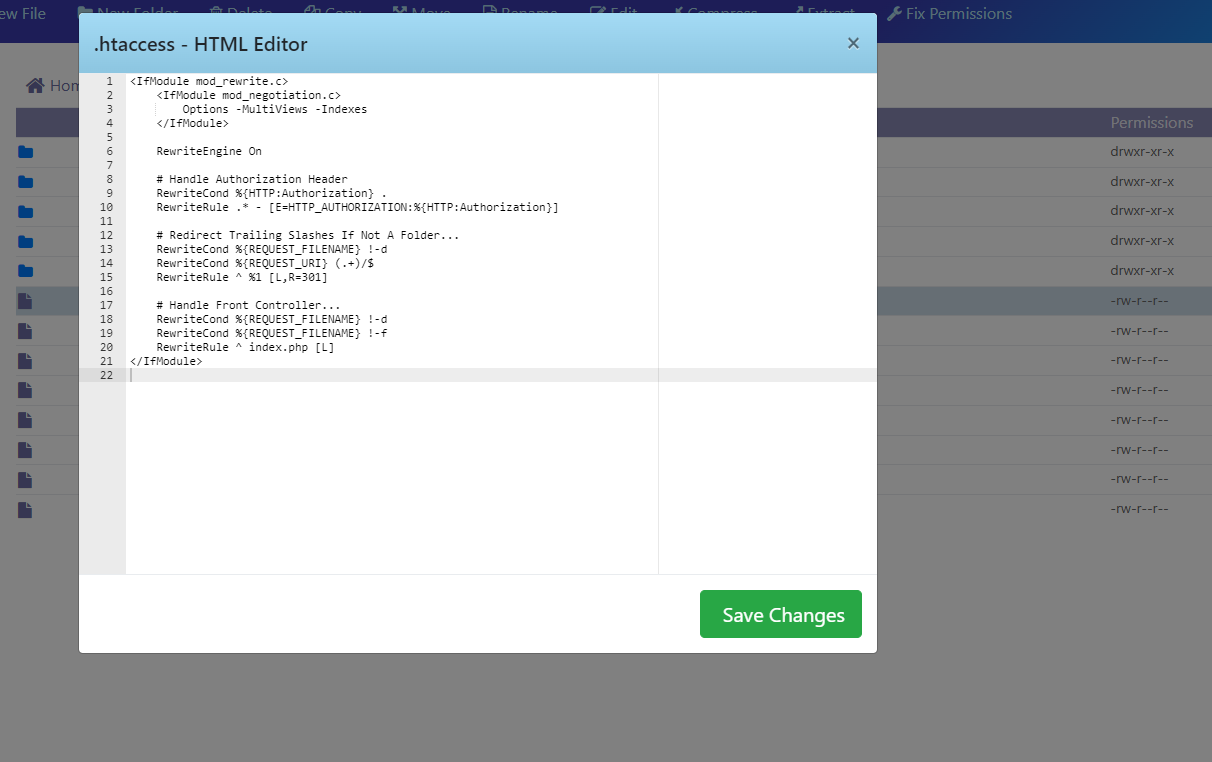
I go in to the child-domain settings where I can change vhost conf and rewrite rules, I go into vhost conf and I change docRoot from /home/domain.com/child-domain to /home/domain.com/child-domain/public
Finally I try to enter the site using child-domain.domain.com but I am getting a 500 error.
Not sure whats happening. Please help.