
MR
My VPS server Region and Ip address Change, But Cyberpanel IP Address show old.. How to chnage new ip address
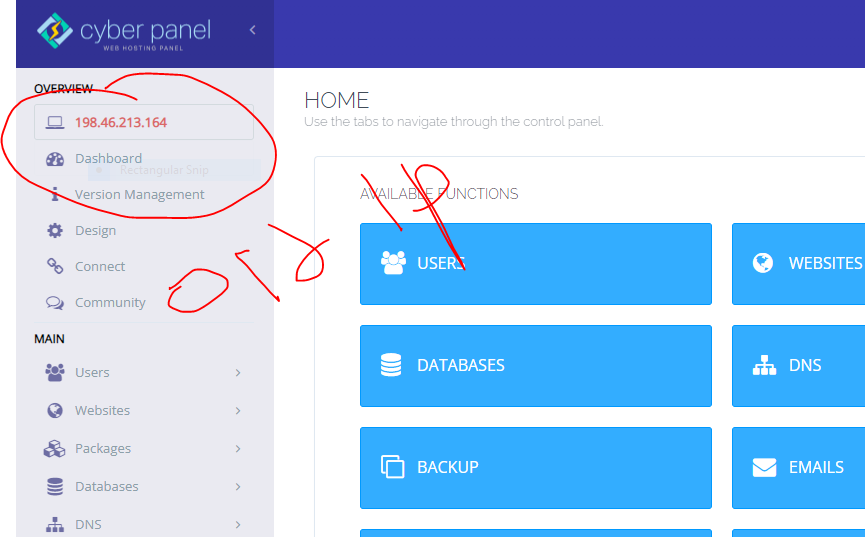
MK
sh
shoaibkk
#3
Login to ssh of your server and also update your IP here
/etc/cyberpanel/machineIP
MR
root@xxxxxxxxxxx:~# /etc/cyberpanel/machineIP
-bash: /etc/cyberpanel/machineIP: Permission denied
MR
“nano /etc/cyberpanel/machineIP”
This commnd Working Old IP view, now Remove and Add NEw IP?
NK
yes, just delete the old ip from that file and replace it with your new IP and save the file. Reboot the server once after changing the ip.
So
Sophie
#7
After using Nano; this is the error I received.
Last login: Mon Sep 18 15:52:49 2023 from 18.221.59.112
root@srv417054:~# “nano /etc/cyberpanel/machineIP”
Command ‘“nano’ not found, did you mean:
command ‘rnano’ from deb nano (6.2-1)
command ‘nano’ from deb nano (6.2-1)
Try: apt install
root@srv417054:~#
So
Sophie
#8
This worked:
nano /etc/cyberpanel/machineIP
It showed old IP then I replaced it; I guess i have to close the root server now.
So
Sophie
#9
Unfortunately there wasn’t a save button; I was unable to save, the old IP came up and nothing could be done; I reboot the yet it’s the same.