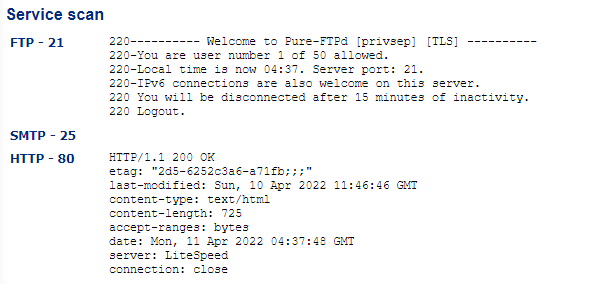
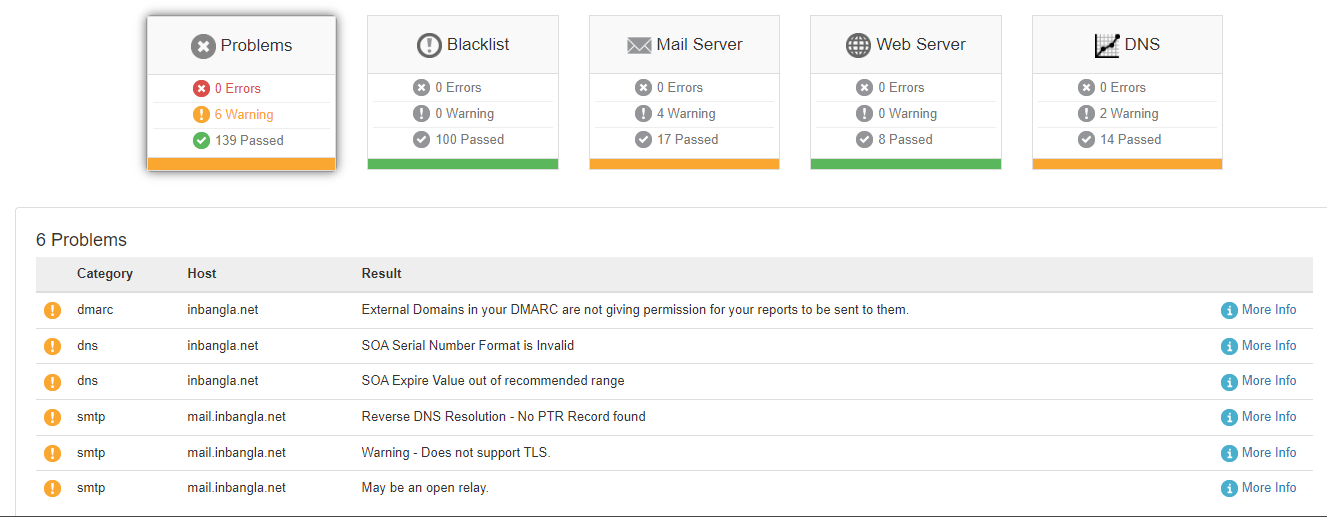
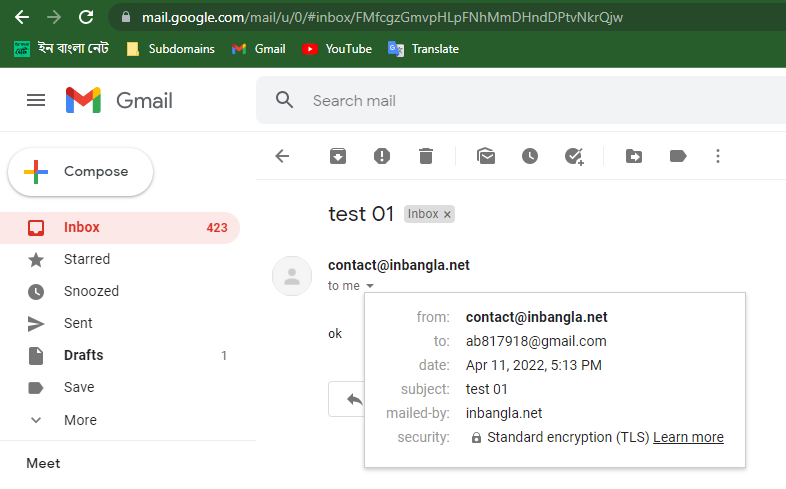
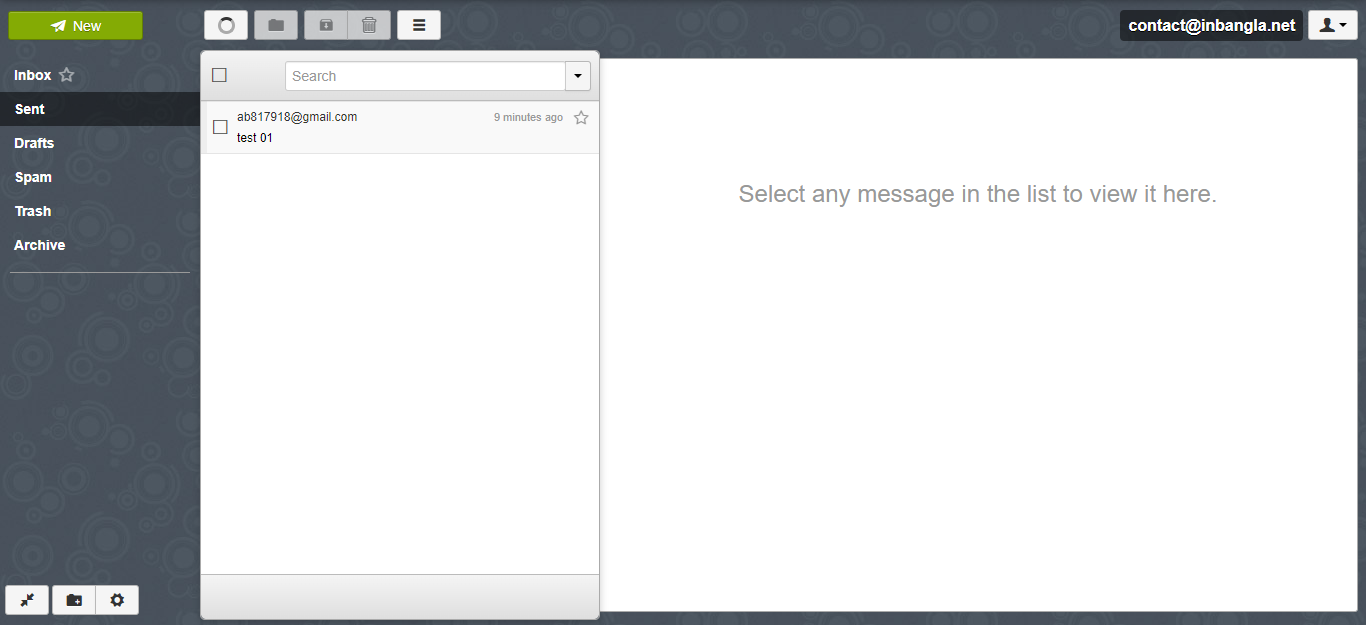
I believe that Cyberpanel is not correctly instigating or configuring with postfix and dovecot, that’s why Cyberpanel Email is not working
The reason behind this belive.
After installing Cyberpanel and creating the website, when I apply for SSL, I face an error called: Cannot issue SSL. Error message: No such file or directory: ‘/etc/dovecot/dovecot.conf’
Then I need to install dovecot manually and I got SSL
But Postfix and Dovecot should have been automatically installed and configured by Cyberpanel automatically, rather that shoing error No such file or directory: ‘/etc/dovecot/dovecot.conf’ on a fresh Cyberpanel installation.
My Website is Up and Running Well.
Now, I just want a valid Email, Please Help me to get a valid email from Cyberpanel.
I am requesting to all professional/experienced Cyberpanel users and the Cyberpanel support team.
How can I get Valid Emile from Cyberpanel?
Additional Information:
My is VPS new
I installed fresh Ubuntu 18.4
I Installed CyberPanel 2.1.1
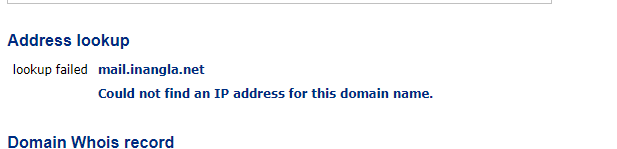
I added my site to Cloudflare (no proxy on mail server, mail.inangla.net)
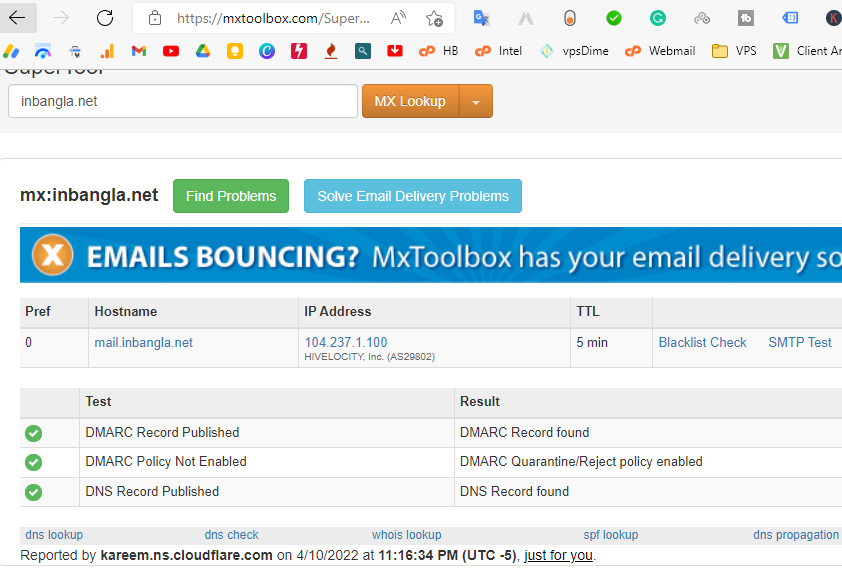
I added All Requared DNS records like: A,cname,MX, DKIM, rDNS/PTR,SPF,dmarc
I successfully got SSL on Domain and mail server both.
I created Email sucessfully from Cyberpanel
but what? rainloop saying “can not connect to server”
I reinstalled my VPS OS+cyberpanel total of 3 times for this Cyberpanel email problem. with ubuntu 20.4 and cyberpanel latest version 2.1.2.
that why I applyed more than five time for SSL and I got limit from let’s encrypt for one week. after a week I can reapply for ssl, but that is not issue, Rainloop mail can work without ssl.
I have total 3 and 3 email website in Cyberpanel
mail.inbangla.net : currently no ssl
(contact@inbangla.net)
mail.inbengali.net : let’s encrypt mail server SSL
(contact@inbengali.net)
mail.khamarian.com : let’s encrypt mail server SSL
(contact@khamarian.com)
I want a least 1 valid working email, That’s all!
But Cyberpanel troubles me a lot, please i need support to create a valid email.
I am frustrated please help me, I am a student and I do not have money to hire a system admin.