Ro
Roberto
#1
 Community
Your cyberpanel installed version?
CyberPanel version 2.1
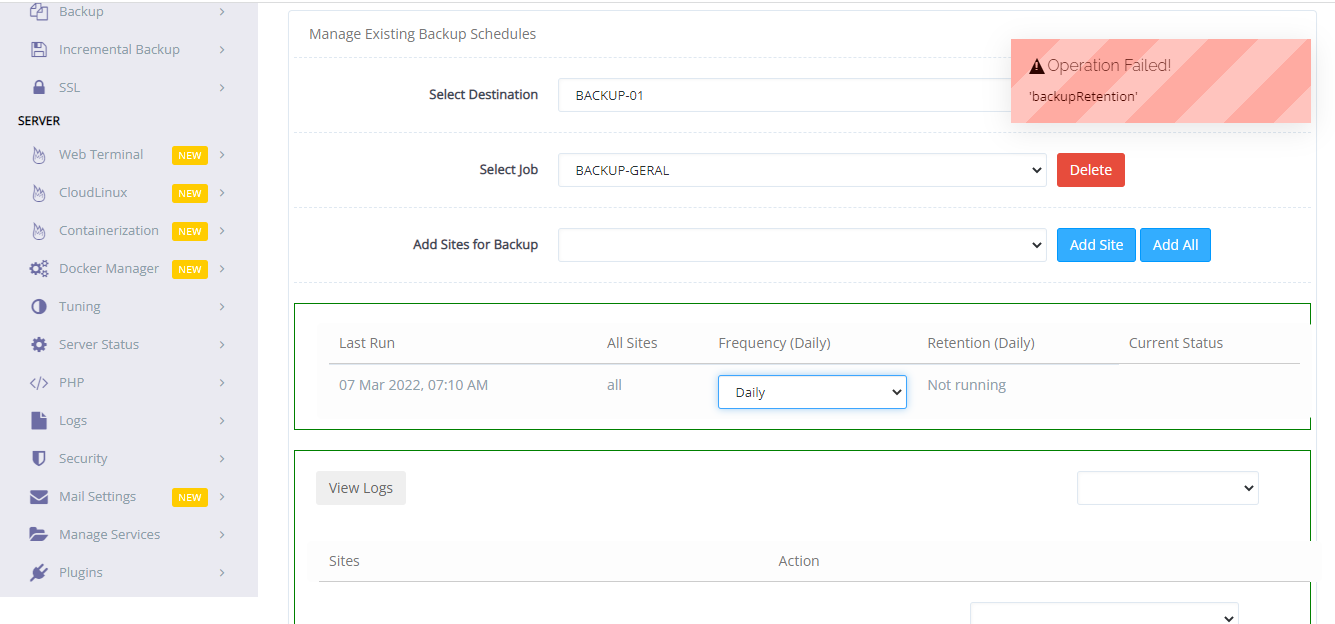
I have the same issue here. My CyberPanel version is 2.1.2 installed a couple of days before. I was facing the same issue in 2.1.1. The retention option never works, any help please?
+1 for this issue… Anyway to debug this?
+1 having this issue too, just upgraded to last version to see if it’ll delete the backups, but it still haven’t
Cyberpanel did not release an update about this, and did not fix the situation,
I solved the situation by writing code myself.
The code is very simple, and it works when you define this code as a cronjob to run once a day.
Important
When you copy the following codes, be sure to set the backup location and renetation time.
Cronjob Line;
0 21 * * * sh /root/ogun-backup.sh >/dev/null 2>&1
ogun-backup.sh content;
#--------------------------------------------
echo “Emptying old backup folders…”
#--------------------------------------------
#Deleting files older than 10 days
#--------------------------------------------
cd /backup/allsites/
find . -mtime +10 > temp.txt
for i in cat temp.txt
do
rm -f $i
done
rm -f temp.txt
#--------------------------------------------
echo “Unloaded folders are also being removed…”
find . -type d -empty -delete -maxdepth 1
#--------------------------------------------
echo “Old backups deleted.”;