CyberPanel Community

Problem with admin SSL certificate

th
therealgilles #1

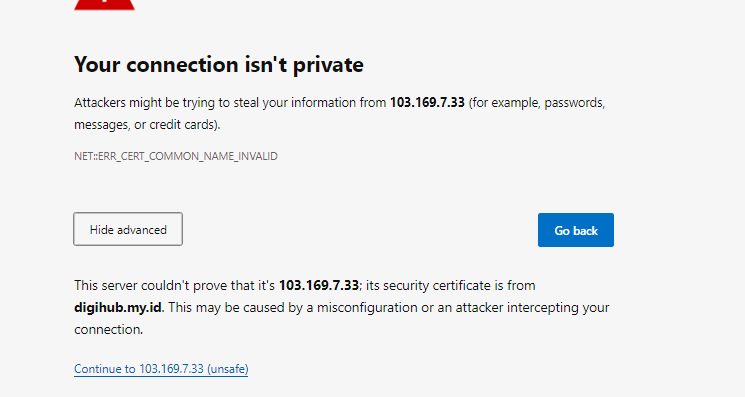
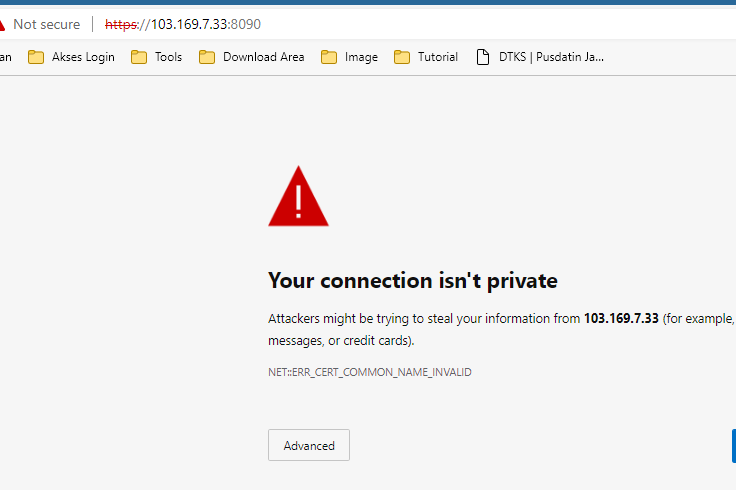
I just tried to access the CyberPanel web interface after I don’t know how many months and I cannot access it because it is showing an ‘example.com’ invalid certificate.

Can someone tell me how/where to fix that up? i.e. how do I make it point to my wildcard letsencrypt certificate for instance? Thank you!

7 replies
MK
Mirza Khadnezar S [sick] #2

just click advance or next… or you can access from ip

th
therealgilles #3

Actually no. Neither Chrome nor Firefox would allow me to do that anymore.
I found the certificate under /usr/local/lscp/conf/ and put my own instead and restart the lscpd service. I’m going to try a symlink but I guess there must be a way from the UI. To which I have access again now.

MK
Mirza Khadnezar S [sick] #5

Chrome based / Mozila Based still allow user to open site https://ip or https://domainname with certificated error.

check your Computer and Browser Setting to make it work…

sorry i will lead you to try solve open cyberpanel from web browser with reason invalid ssl first…

sh
shoaibkk #6

To access your cyberpanel through the SSL link you need first a valid hostname.
if you access it through 1p:8090 you cant issue SSL on it for that you need a domainname.com:8090

th
therealgilles #8

This issue re-appeared recently and I wanted to add that Chrome allows access to the non-SSL secure page in incognito mode.

Sign in to reply