kl
kliclick
#1
Hi,
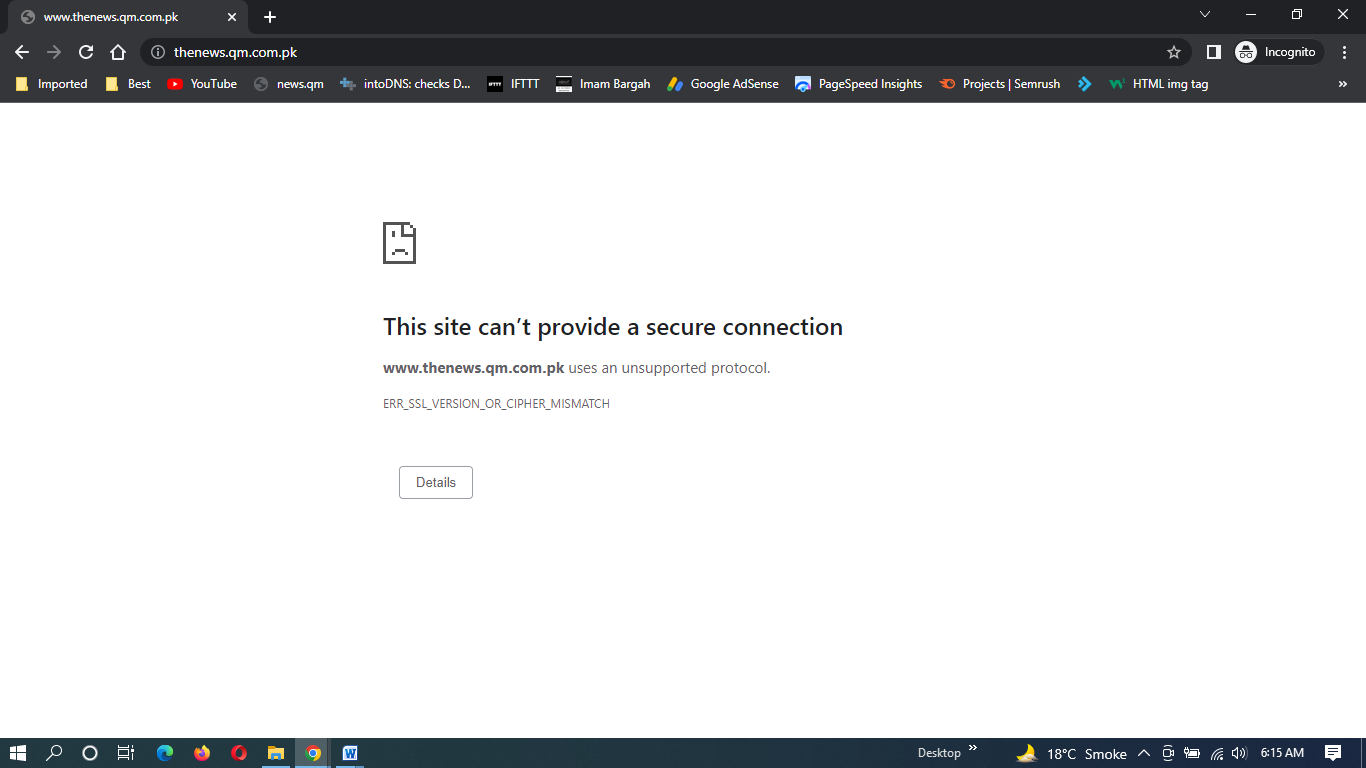
I have some problems with the SSL certs for my websites and SSH using Cloudflare. I’ve tried many things, and never worked as I wanted.
Here my final trial, I give up, and need some help.
What I want:
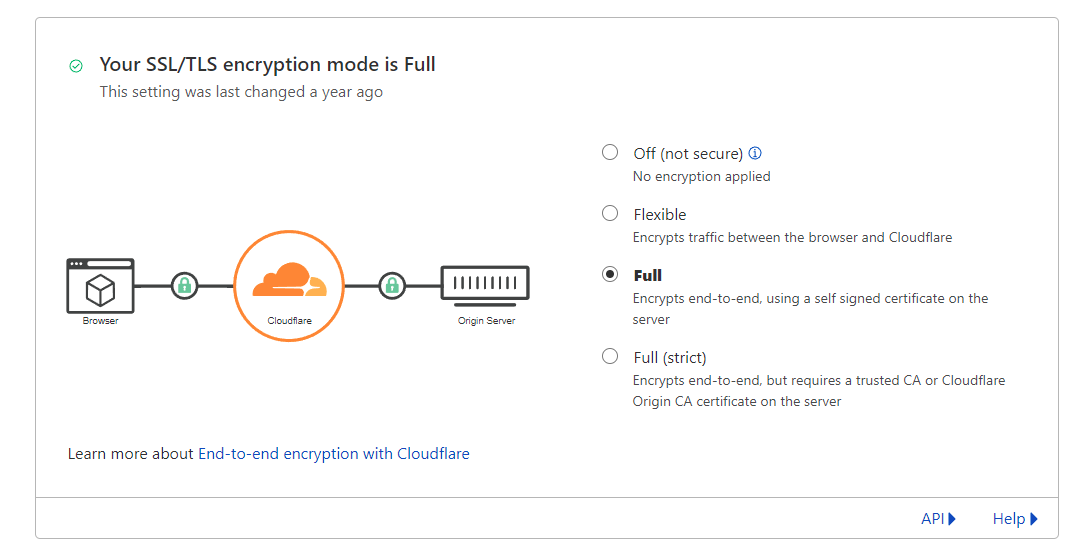
- Use Cloudflare Full or better Full (strict) mode for SSL
- Use my own private key with SSH
What I did and checked:
- SSH : Deleted all Let’sEncrypt folders in /etc/letsencrypt/live
- CP : added my Cloudflare origin certificate and key in website1 /configuration/Add SSL (pasted cert and key)
- CP : issued a Let’s Encrypt for website 1, not for website 2
- SSH : in /etc/letsencrypt/live/website1/ I found the cert, privkey and full chain pem files (I think the fullchain is for steps 2+3), no /etc/letsencrypt/live/website2/ as I didn’t issued any SSL for this website
- SSH : in /etc/SSL/certs I found my CloudFlare cert as a @a1b2c3d4 kind of file, a ssl-cert-snakeoil.pem file, and the two rsa and ecc certs form CloudFlare I put there since I read somewhere that maybe it was necessary and my first trials without them were unsuccessful
- SSH : in /etc/SSL/keys I found the ssl-cert-snakeoil.key, which is my private key from Cloudflare
Results:
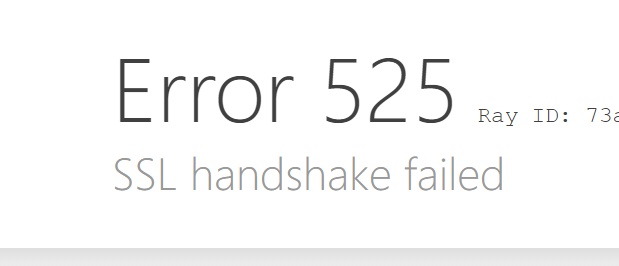
- In Cloudflare Flexible mode, website2 (with no Let’s Encrypt SSL) works, but website1, which has the Let’s Encrypt cert, doesn’t (error 521)
- In Cloudflare Full or Full (strict) modes, neither website works (error 521)
- And it seems that I have problems using SSH with my own key (added in CP Secured SSH, I had to delete it), I can use SSH with password and IP address (not the domain name).
Can someone give me a little manual, or at least the steps for achieving this ?
Thanks a lot.