CyberPanel Community

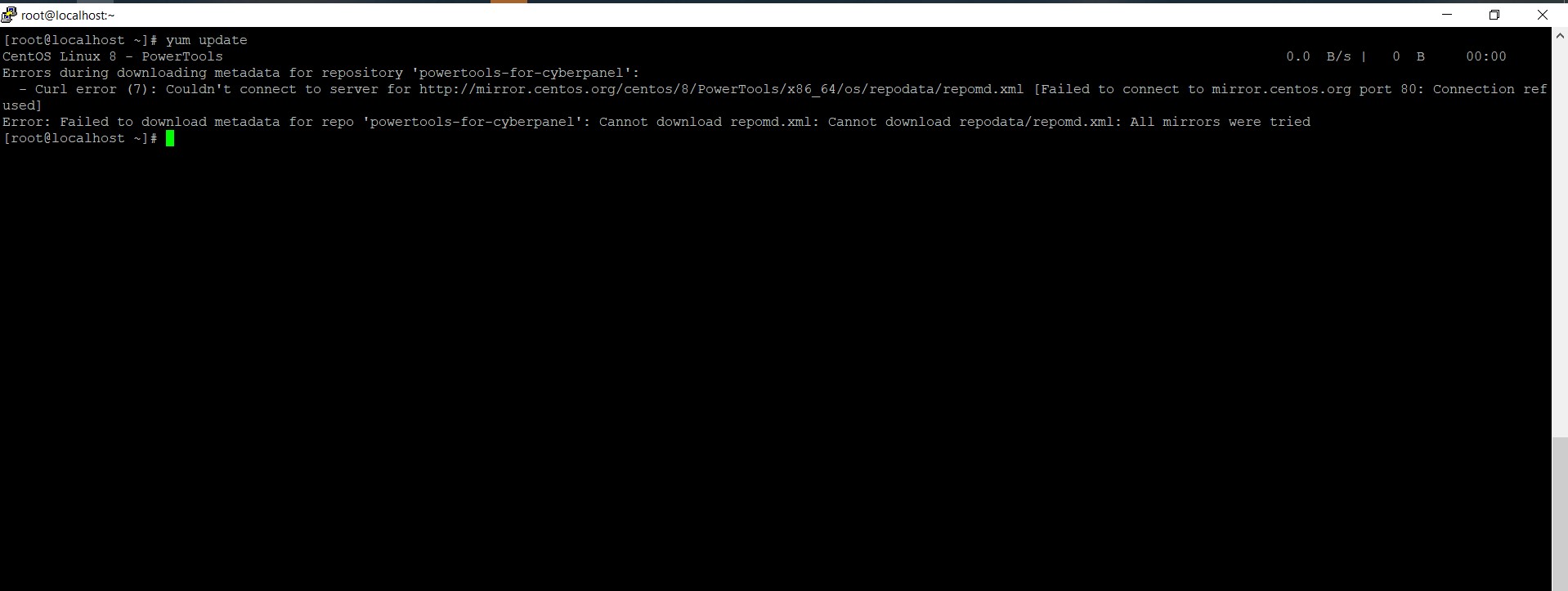
Errors during downloading metadata for repository 'powertools-for-cyberpanel':

BP
Benny Putra #1

#ASK #HELP
please help me :
error :
yum update
CentOS Linux 8 - PowerTools 0.0 B/s | 0 B 00:00
Errors during downloading metadata for repository ‘powertools-for-cyberpanel’:

33 replies
sh
shoaibkk #2

Please check server Nameservers

BP
Benny Putra #4

is there any other solution?

AG
Andras Gera #5

It seems almalinux disappeared from mirror.centos.org.

I’ve changed this line in the repo file:
baseurl=http://mirror.centos.org/$contentdir/$releasever/PowerTools/$basearch/os/
to
baseurl=CentOS Mirror

But another issue came up:
Error:
Problem: cannot install the best update candidate for package libmemcached-devel-1.0.18-15.el8.x86_64

  • nothing provides libmemcached(x86-64) = 1.0.18-17.el8 needed by libmemcached-devel-1.0.18-17.el8.x86_64
    (try to add ‘–skip-broken’ to skip uninstallable packages or ‘–nobest’ to use not only best candidate packages)
NK
Nitesh Kunnath #6

Please run cyberpanel upgrade command, the broken repo has been fixed now.

BP
Benny Putra #8

is there any other solution?

not working sir…

BP
Benny Putra #10

how to run this command ?

NK
Nitesh Kunnath #11

Execute this command first

sudo su -

And then run this upgrade command

sh <(curl https://raw.githubusercontent.com/usmannasir/cyberpanel/stable/preUpgrade.sh || wget -O - https://raw.githubusercontent.com/usmannasir/cyberpanel/stable/preUpgrade.sh)
BP
Benny Putra #14

im using

# cat /etc/centos-release

CentOS Linux release 8.5.2111

please help me

an
antivirusadmin #15

I have simillar issue but try to install in ubuntu 18.04/20.04 and centos 7
I tought the blocked my IP address but it shows me the installer and scripts have problems
I cheek the install.sh and changed something and uesd echo command and tried to install package manually , but after each one again I faced with new error …

ca
captans #16

same issue here
i run the upgrade command but still nothing
i have the latest CyberPanel on AlmaLinux release 8.5 (Arctic Sphynx)

any solutions ?

BP
Benny Putra #17

any solutions ?

please help me …

BP
Benny Putra #19

how to run this command ?

like this ???

sh <(curl https://raw.githubusercontent.com/usmannasir/cyberpanel/stable/preUpgrade.sh || wget -O - https://raw.githubusercontent.com/usmannasir/cyberpanel/stable/preUpgrade.sh)

NK
Nitesh Kunnath #20

Yes, exactly copy paste this command and press enter in the ssh console.

NK
Nitesh Kunnath #22

This same error is been faced by me too on my almalinux setup. In ubuntu there will not be such errors.

This error is related to centos repo. Centos repo links are changed or its not available currently.

Today i will try to find a solution and update it here

BP
Benny Putra #23

I hope for your solution or answer, to help us all
@die2mrw007
we have high hopes for the answer / solution you provide

sp
splaquet #24

while i cannot seem to find the solution, i’ve read a handful of write-ups that at least have the first part… which i’d like to remind anyone using CentOS of.

sadly, the life of CentOS is dead. but fortunately, there are OS replacements that are “server in-place updates”. as in, you do not have to completely reinstall your server from scratch.

while I don’t have experience with Rocky Linux, i do have a lot of experience with CloudLinux and those folks. so, i’d suggest migrating to their AlmaLinux distro.

https://almalinux.org/

AND, while this IS NOT the solution, it is a workaround to get DNF/YUM back up and working.

(This is more ideal after you’ve converted from CentOS base, as AlmaLinux supplies their own PowerTools repo source… so you’re still able to find those specific updates)

edit: /etc/yum.repos.d/CentOS-PowerTools-CyberPanel.repo
change: enabled=1 to enabled=0
save
dnf update

**If you did this without swapping out CentOS, I’d highly recommend reverting that change to the .repo file.

NK
Nitesh Kunnath #25

Yes you are correct. I came here to provide this exact solution after testing on my servers and its been already posted by you.

People having this update issue can follow this solution as suggested by @splaquet

Dr
Dreamer #27

Ubuntu cant go wrong :wink:

BP
Benny Putra #28

:frowning: hmm
I have many websites in the vm. ( centos 8 )
to re-install the VM I’m still hesitating
hmm. :thinking: any solutions ?

NK
Nitesh Kunnath #29

Try this (Solution provided by @qtwrk

bash <(curl https://raw.githubusercontent.com/usmannasir/cyberpanel/ba966eb8aa21751e0716886b58744ff653189151/cyberpanel_upgrade.sh)
BP
Benny Putra #31

Hallo sir …
i have tried on other server ( VM )
it worked.

bash <(curl https://raw.githubusercontent.com/usmannasir/cyberpanel/ba966eb8aa21751e0716886b58744ff653189151/cyberpanel_upgrade.sh)

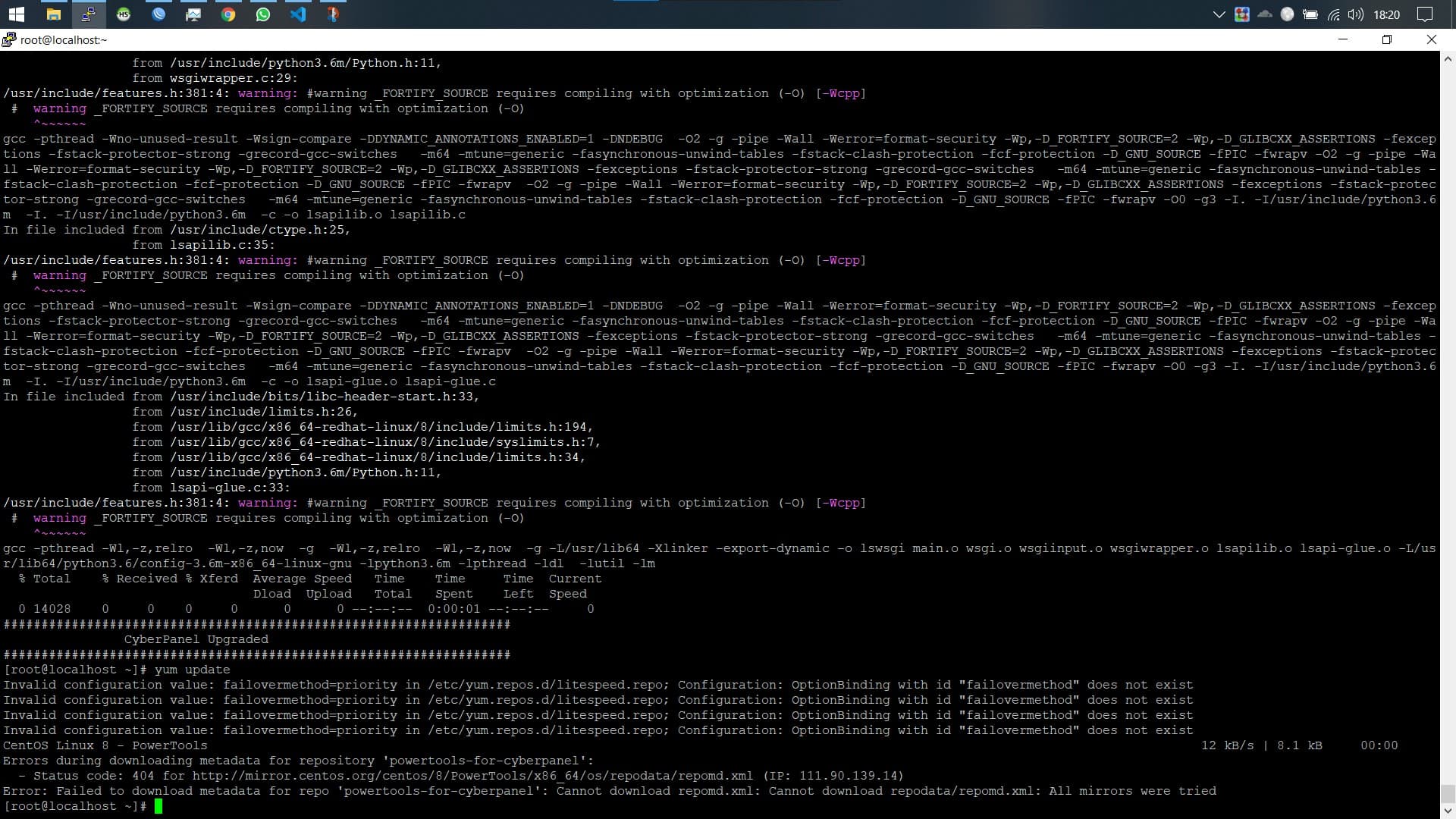
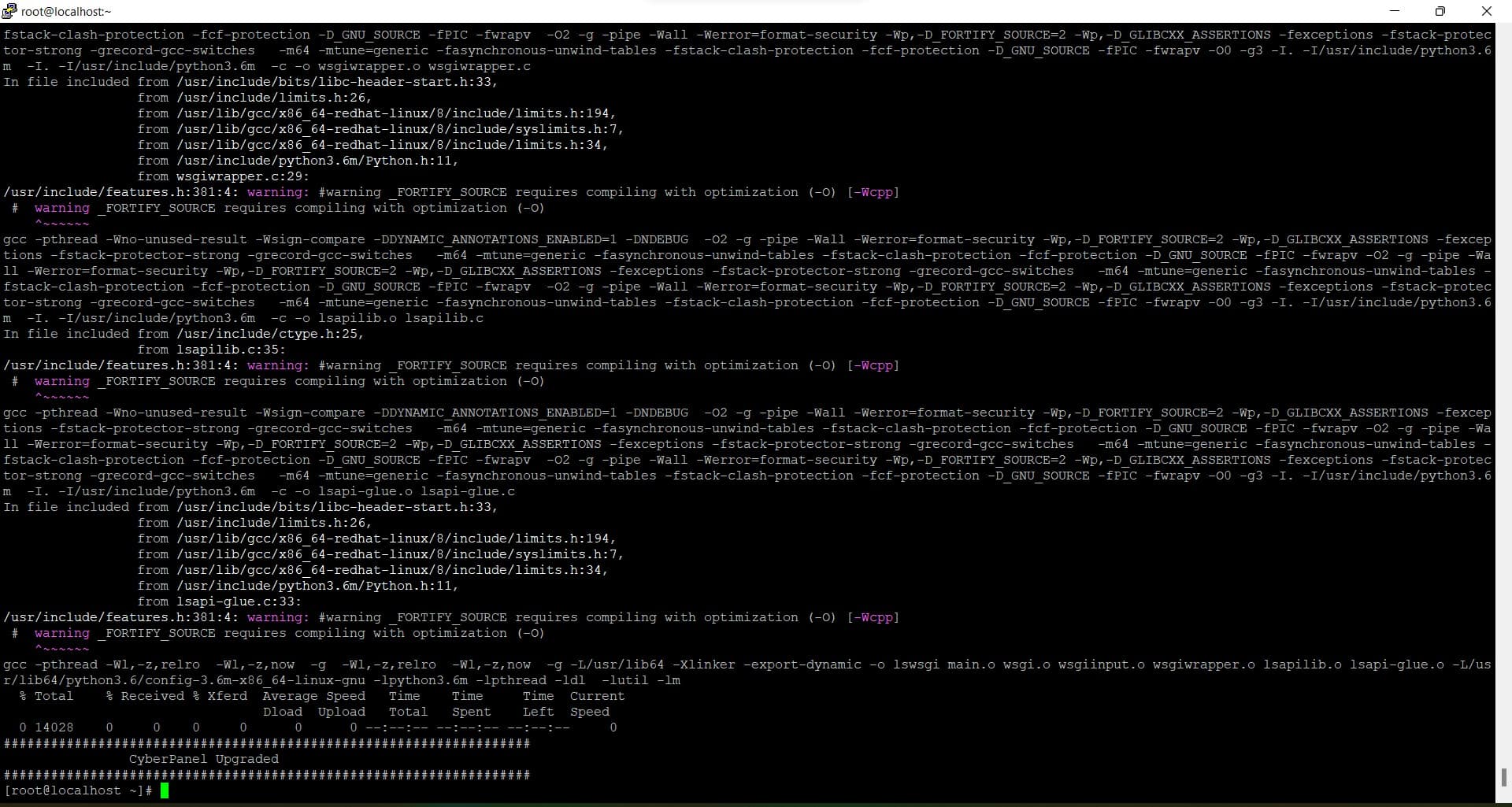
I’m attaching the results below:

04

If there are problems in this process, please follow the following tutorial:

BP
Benny Putra #32
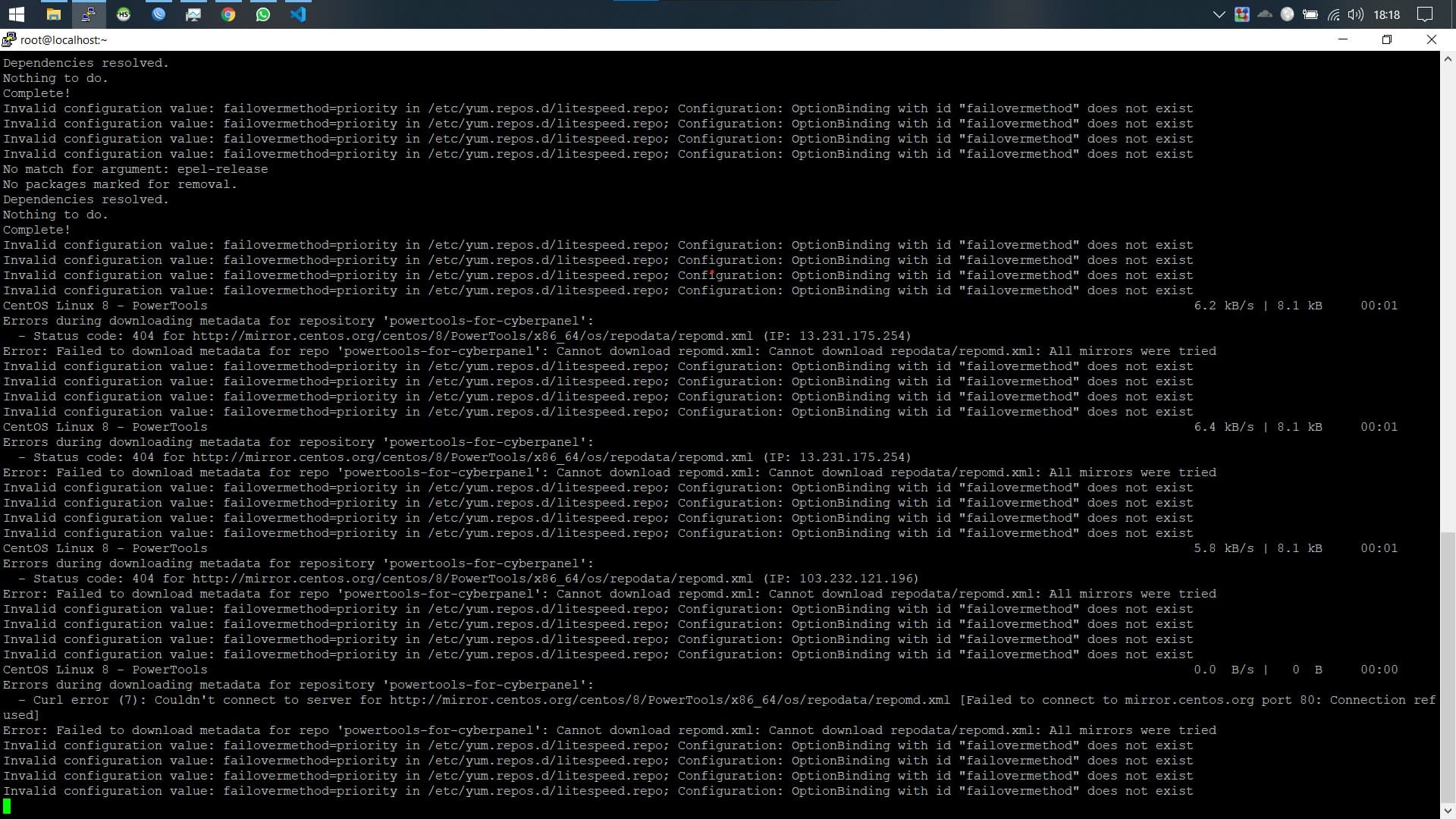
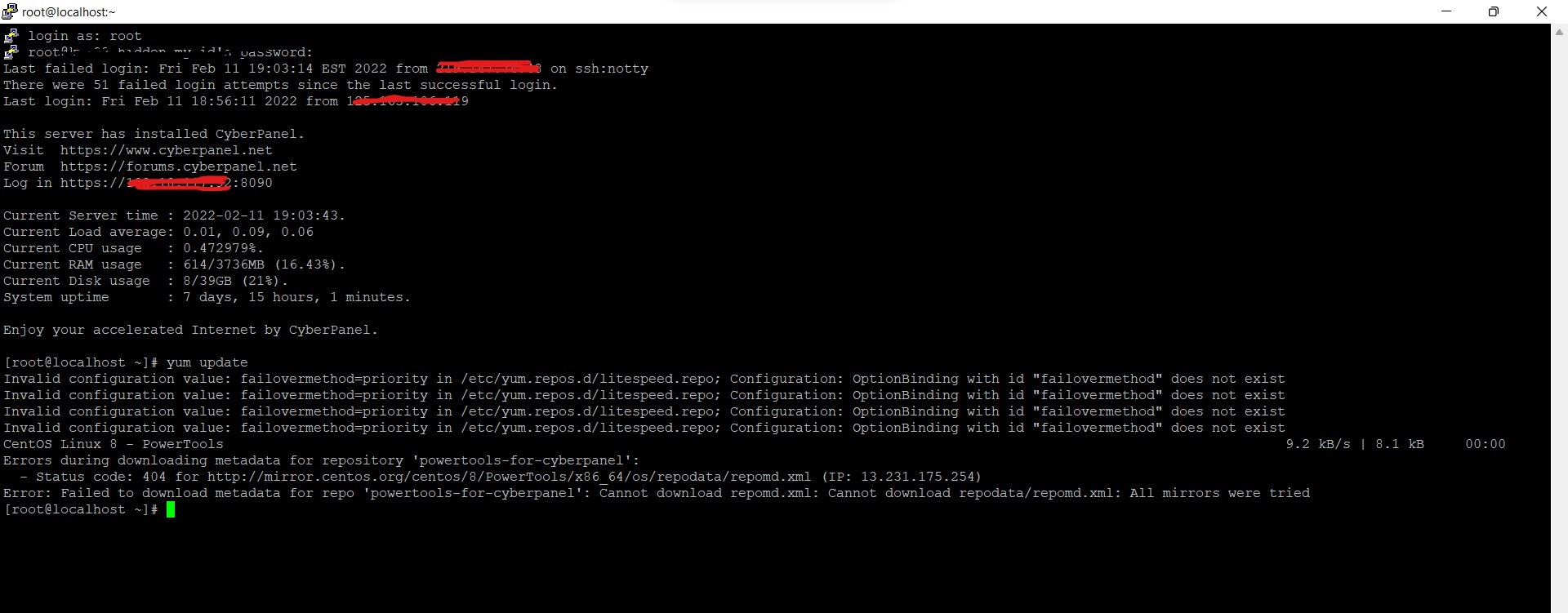
Invalid configuration value: failovermethod=priority xxxxxxxxxx

Using the command line tool sed, we first start off by making a backup of the repository files:

sudo sed -iBAK '/^failovermethod=/d' /etc/yum.repos.d/*.repo

We then use the sed command again to remove the problematic parameter in the repository files:

sudo sed '/^failovermethod=/d' /etc/yum.repos.d/*.repo

Once you have used either methods, you can run dnf to check whether the error appears again:

dnf upgrade

BP
Benny Putra #33

how to solve this error, the tutorial is in the previous comment

Invalid configuration value: failovermethod=priority in /etc/yum.repos.d/litespeed.repo; Configuration: OptionBinding with id "failovermethod" does not exist

BP
Benny Putra #34

Hallo sir .

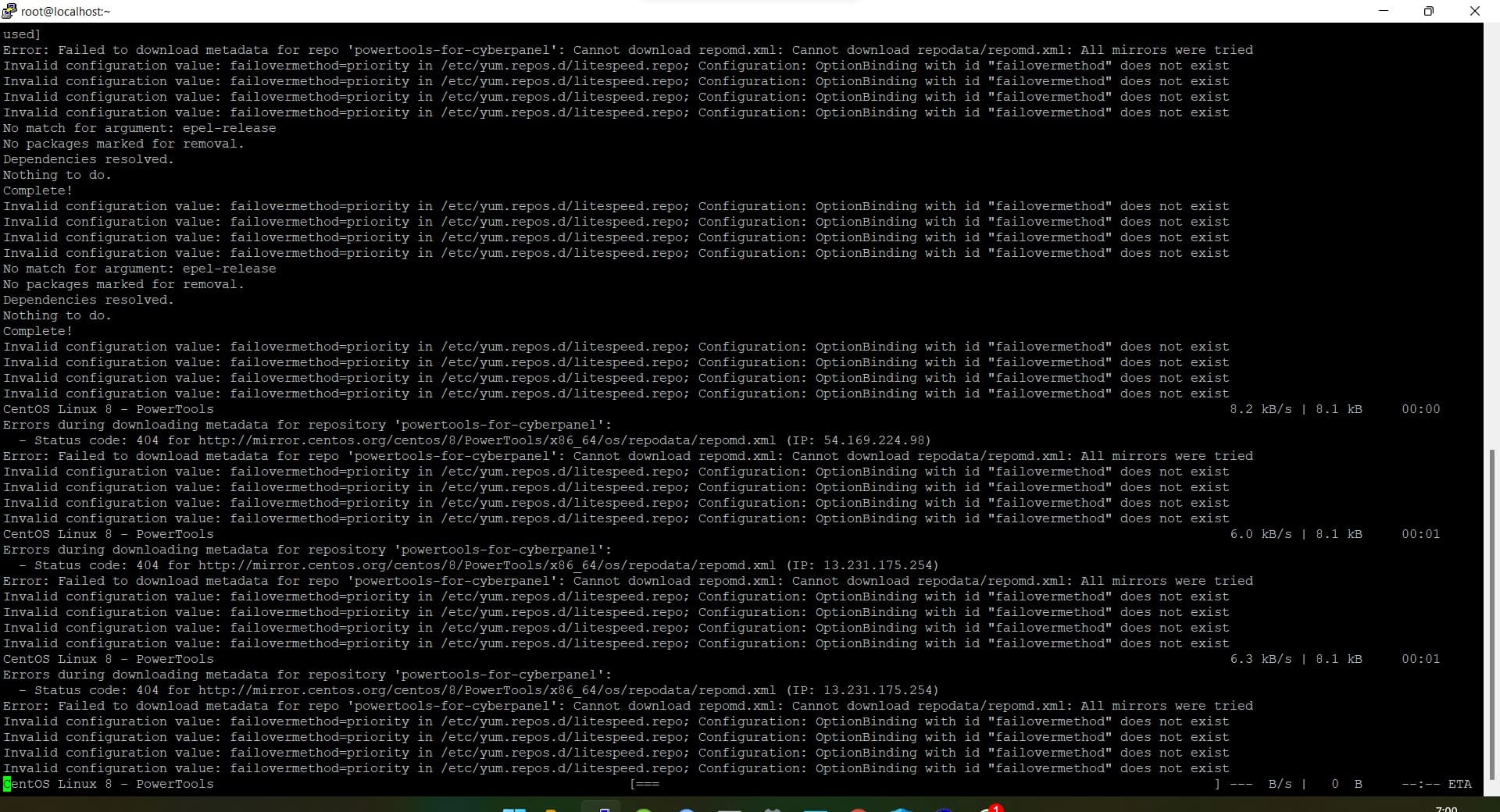
I have a new problem while running the command
I attach the following :

Problem: package libmemcached-devel-1.0.18-15.el8.x86_64 requires libmemcached(x86-64) = 1.0.18-15.el8, but none of the providers can be installed

  • cannot install both libmemcached-1.0.18-17.el8.x86_64 and libmemcached-1.0.18-15.el8.x86_64
  • cannot install the best update candidate for package libmemcached-1.0.18-15.el8.x86_64
  • problem with installed package libmemcached-devel-1.0.18-15.el8.x86_64
    (try to add ‘–allowerasing’ to command line to replace conflicting packages or ‘–skip-broken’ to skip uninstallable packages or ‘–nobest’ to use not only best candidate packages)

please help me, hmm. :thinking:

BP
Benny Putra #35

hallo sir

after I try just enter the command:

dnf update –allowerasing

i hope this helps you

Sign in to reply