Da
Daid
#1
I have tried the ssl issue on the cyberpanel.tried getting a certificate also for my website nothing it’s working …how can I fix it ?
 Community
I have tried the ssl issue on the cyberpanel.tried getting a certificate also for my website nothing it’s working …how can I fix it ?
How can I disable the cloudfare
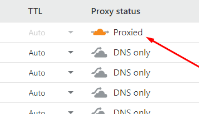
but if you want use ssl from CF… you can let it under proxied by CF
the problem is only
at cyber panel if you can detect, it will said your web not SSL
and
mail server will not in good score (if im not wrong)
thats why i use mail.domain.com as my mail server ssl… and my domain.com under CF
mail.domain.com IN A with “grayed out” option at CF
@die2mrw007 is that correct ? cmiiw
I’m I finding what you dotted on cyberpanel or my domain hosting
How can I get this done , I bought ssl certificate … still not working ….the self signed ssl on cyberpanel too it’s not securing my website
can u sent some screenshoot here ?
This is my website, almoodto.com I have tried everything…it’s not ssl secured still
Tell me all the kind screenshots I should send and I will send immediately
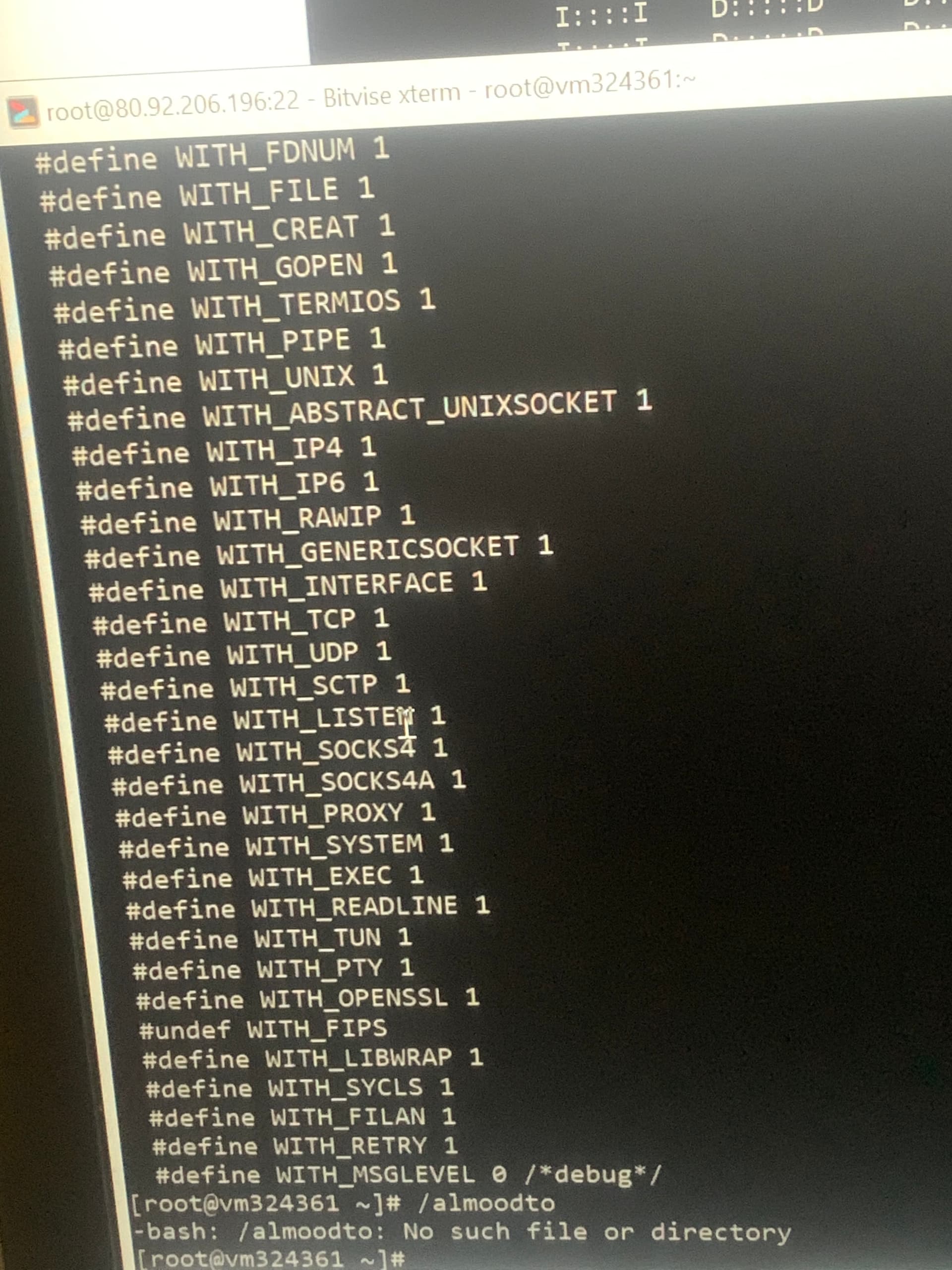
Login to ssh and type this command
/root/.acme.sh/acme.sh --issue -d almoodto.com -d www.almoodto.com --cert-file /etc/letsencrypt/live/almoodto.com/cert.pem --key-file /etc/letsencrypt/live/almoodto.com/privkey.pem --fullchain-file /etc/letsencrypt/live/almoodto.com/fullchain.pem -w /home/almoodto.com/public_html --force --debug
Ok I will do that
So what’s Next after this
You havent pasted the command properly… Its a single line code and needs to be executed in single command
Also use this command before pasting the previous code for ssl.
sudo su -
Ok I will try that
Ok I should try it like this , sudo su - /root/.acme.sh/acme.sh --issue -d almoodto.com -d www.almoodto.com --cert-file /etc/letsencrypt/live/almoodto.com/cert.pem --key-file /etc/letsencrypt/live/almoodto.com/privkey.pem --fullchain-file /etc/letsencrypt/live/almoodto.com/fullchain.pem -w /home/almoodto.com/public_html --force --debug
No, first execute this command
sudo su -
Then execute this entire code:
/root/.acme.sh/acme.sh --issue -d almoodto.com -d www.almoodto.com --cert-file /etc/letsencrypt/live/almoodto.com/cert.pem --key-file /etc/letsencrypt/live/almoodto.com/privkey.pem --fullchain-file /etc/letsencrypt/live/almoodto.com/fullchain.pem -w /home/almoodto.com/public_html --force --debug
Ok thank you
Have tried still that same result… should I give you my details to look into this for me please…cause I’m fed up of all this right now