Community

Local installation issue

Fa
Fabio #1

Hi all,
I make a wordpress online website backup, after that I install this website in my local webserver (I use laragon), all is ok but when I go to homepage I’ve a 404 page error and I open only index.html page with message that cyberpanel is installed.

If I delete index.html I didn’t solve my problem.

P.s. In my local webserver I’ve others wordpress installations and noone of this have this issue, I think that in my online hosting there are a cyberpanel installation and, when I make te backup, I take some cyberpanel config files,

How can I solve my problem?
NK
Nitesh Kunnath #2

Do you have index.php or index file for your laragon setup?

Fa
Fabio #3

Yes, as all wordpress files I’ve index.php files.

I access to my admin panel without problems but if I go to see all my webpages it doesn’t work

NK
Nitesh Kunnath #4

Do you have .htaccess file inside your wordpress site directory?

sh
shoaibkk #5

what is the content inside .htaccess?

Fa
Fabio #6
# BEGIN WordPress
<IfModule mod_rewrite.c>
RewriteEngine On
RewriteBase /
RewriteRule ^index\.php$ - [L]
RewriteCond %{REQUEST_FILENAME} !-f
RewriteCond %{REQUEST_FILENAME} !-d
RewriteRule . /index.php [L]
</IfModule>


# END WordPress
sh
shoaibkk #7

please show file sequence

Fa
Fabio #8

What file sequence do you need?

NK
Nitesh Kunnath #9

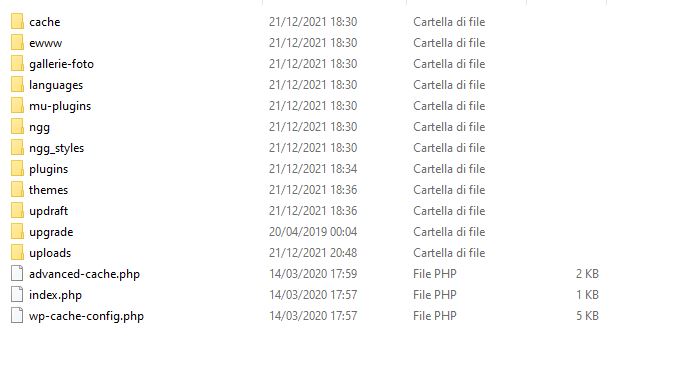
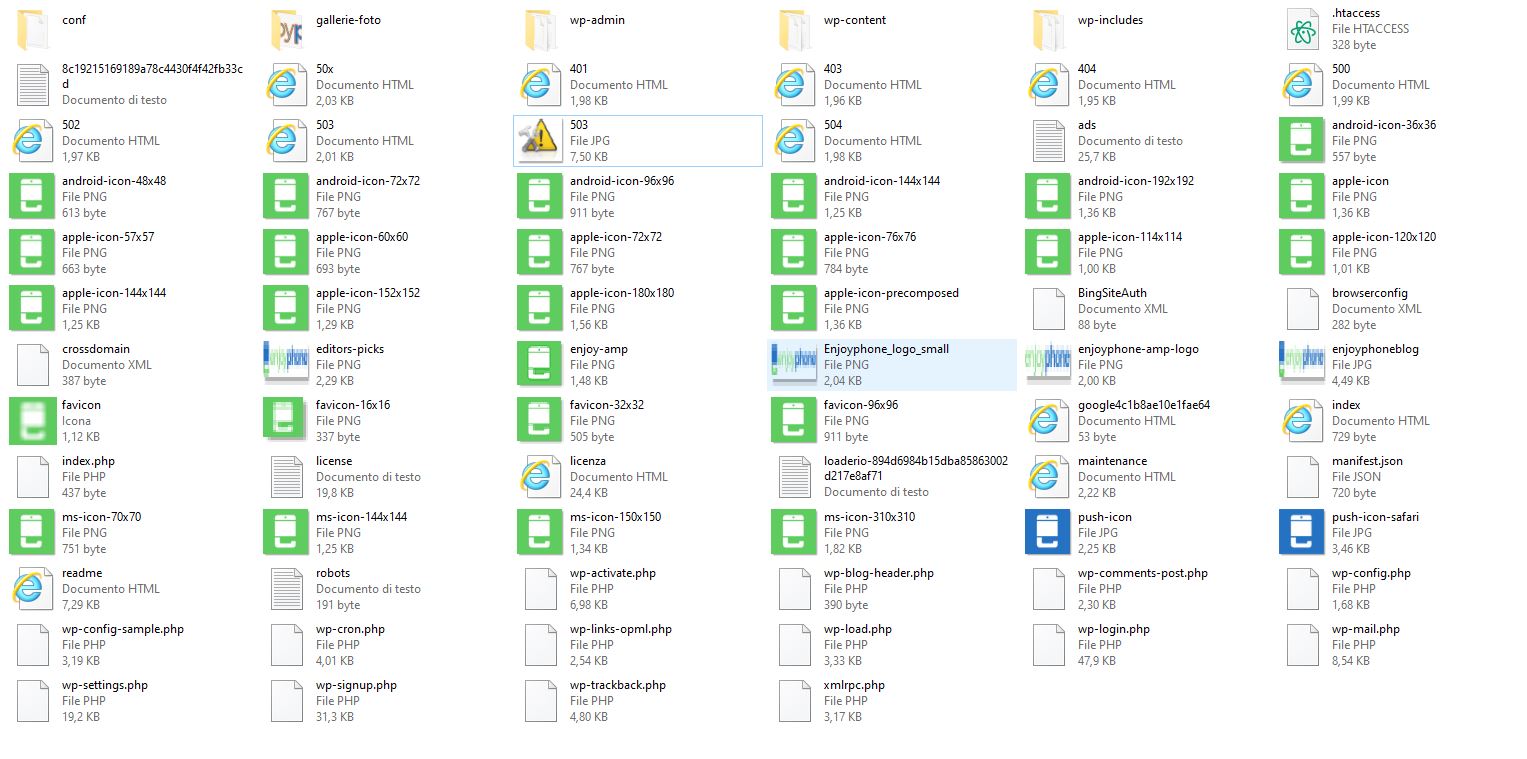
A screenshot of file order/files present in the directory.

NK
Nitesh Kunnath #12

You mentioned that you took backup of your online hosted wordpress site and restored it in local server. Have you properly configured the database too? Please make sure you have the correct database for your wordpress setup. Also check inside wp-config.php file the details regarding your database name, database username and make sure its the same in your local setup too.

Fa
Fabio #13

I confirma that all is correct but, as I write, all the wordpress page doesn’t work

Sign in to reply