Ak
Akash
#1
I am trying many docker images in them for most of the images the port config is missing.
Also, need to know how to install docker-compose in CP?
 Community
I am trying many docker images in them for most of the images the port config is missing.
Also, need to know how to install docker-compose in CP?
You need to add the relevant port in your firewall settings to work
Your hosting may have inbuilt firewall settings too. check there.
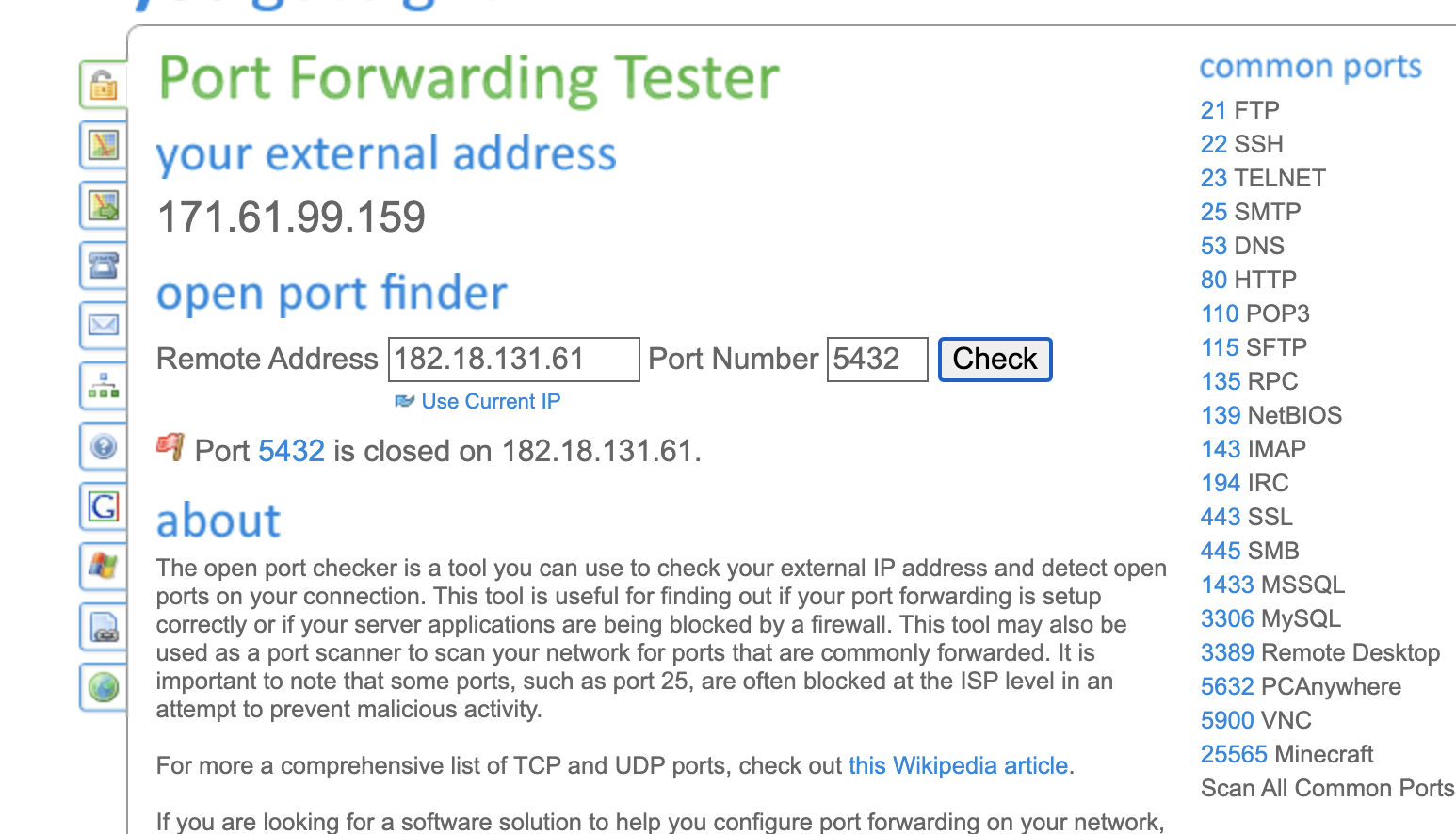
I’ve checked the same. By another dummy port. They’re reflecting immediately. Currently, I have hosted CP on my Private Server hosted at a colocation. Only 5432 port is showing error.
Which OS you are using on server?
Maybe this can help: firewall - Opening port 5432 on ubuntu - Server Fault
Currently, I am using CentOS 7.
When I checked in CentOS Terminal it’s showing the port is open to the public.
try various solutions posted over internet for opening port 5432. I could not help with a one solution perfect answer because there maybe many things associated with your server and cyberpanel setup which I am unaware of unless I test it personally by logging into your server.
Can we connect over a call for 5 mins? It should be a small bug. Let me know your thoughts.