AD
Andre Dsousa
#1
 Community
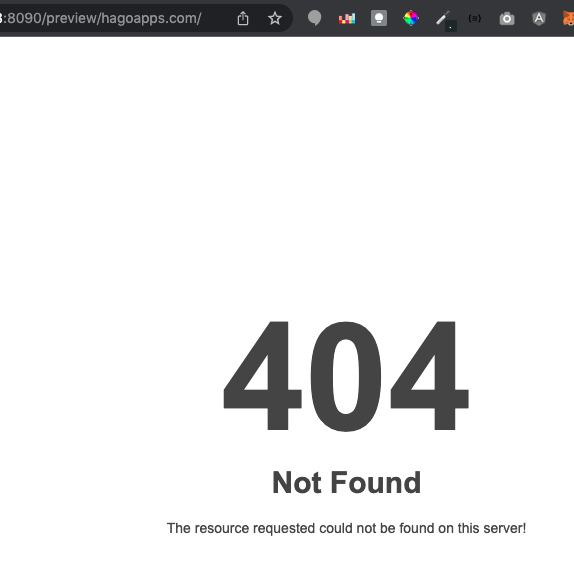
You need to make sure the Openlitespeed is restarted or try restart the whole server once and see if it still shows such error.
Let us know the result here.
Same here… @die2mrw007
I have restarted the vps with no success.
I just did systemctl restart lsws and nothing solves.
Restarted again the server sudo reboot same 404 response.
So what are the contents of website? Is it wordpress?
Make sure you have htaccess file inside your website folder (probably public_html). If not, then create a new file named .htaccess and then copy paste the default wordpress code of htaccess inside it and then restart server and see it if works fine.
Please check URL i can see that you are trying to open IP:8090/website please open only website URL it will be fine
 it uses the Cyberpanel ports when you ask for the preview page.
Actually preview that way doesnt work.
Why dont you use a seperate domain or subdomain and restore your wordpress there and test everything?
It seems like the webserver has broken.
It was not a wordpress site. just plain html file, also on new websites the cyberpanel index.html did not load, it just keeps returns 404 page.
I can not keep looking how to fix this, more than make a clean installation of everything again.
No need for reinstall actually. You must reboot your server for vhost changes to take effect. Try it and see if it works for you.
Or maybe there is htaccess file missing in your website directory. If so, just create a new file named .htaccess and then copy paste this content in it:
RewriteEngine On
RewriteRule .* - [E=HTTP_AUTHORIZATION:%{HTTP:Authorization}]
RewriteBase /
RewriteRule ^index.php$ - [L]
RewriteCond %{REQUEST_FILENAME} !-f
RewriteCond %{REQUEST_FILENAME} !-d
RewriteRule . /index.php [L]
Thank @die2mrw007 but you forgot this little issue.
I did the .htaccess but did not fixe it 
Just private message me with details such as your server IP and the domain name
and also a temporary login if possible to check things.
ERROR 404 INSTALLING WORDPRESS.
steps i did.
1.created a new website , in this case i created a subdomain, bacause i have alreade create a main domain. it did created the subdomain i confirmed checking the files with and FTP client. and all the generated files are there.
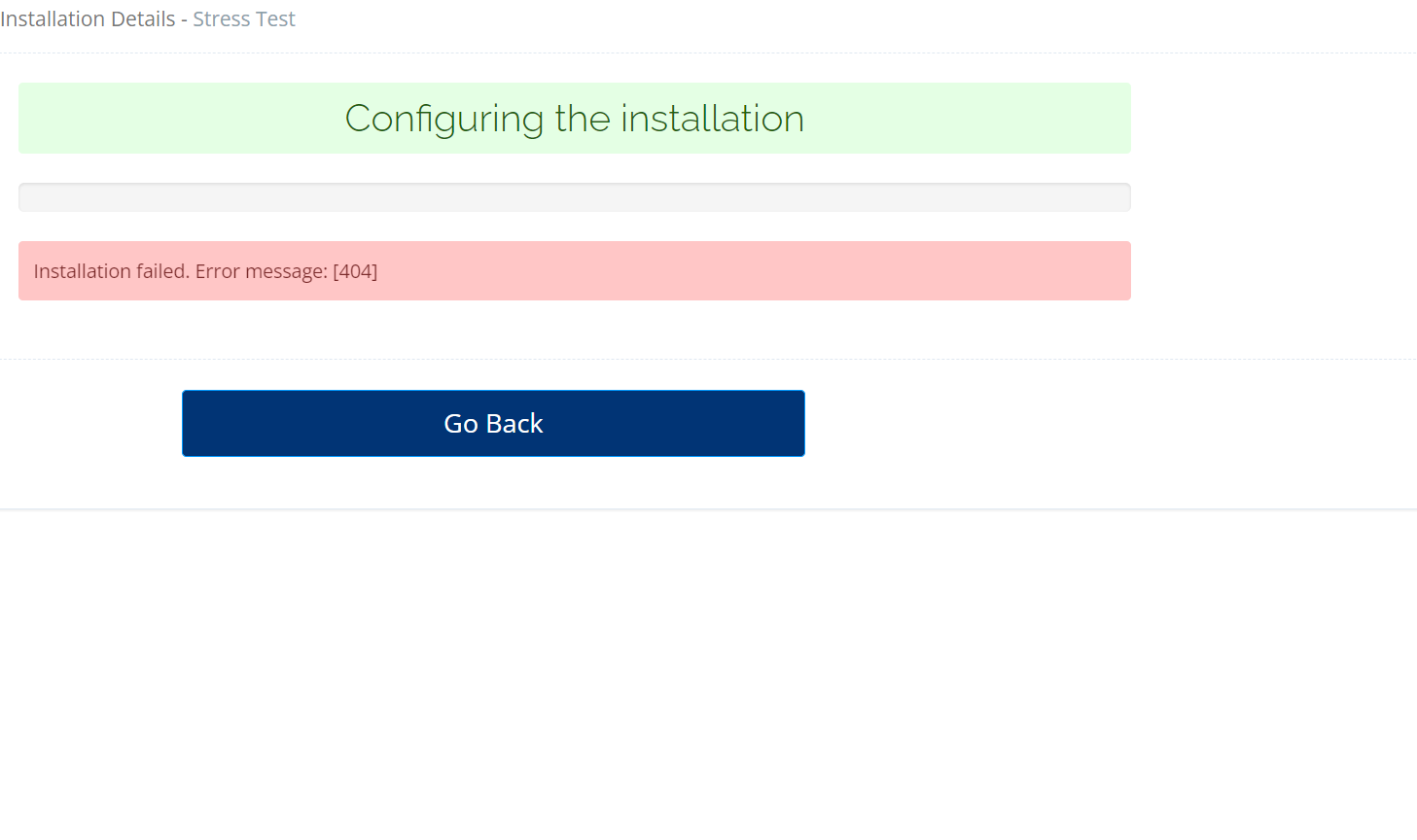
2. then i selected the subdomain that i have created, and select the option MANAGE then clicked on WP +LSCACHE and it looks like is doing its magic but after like 20 seconds it shows a 404ERROR.
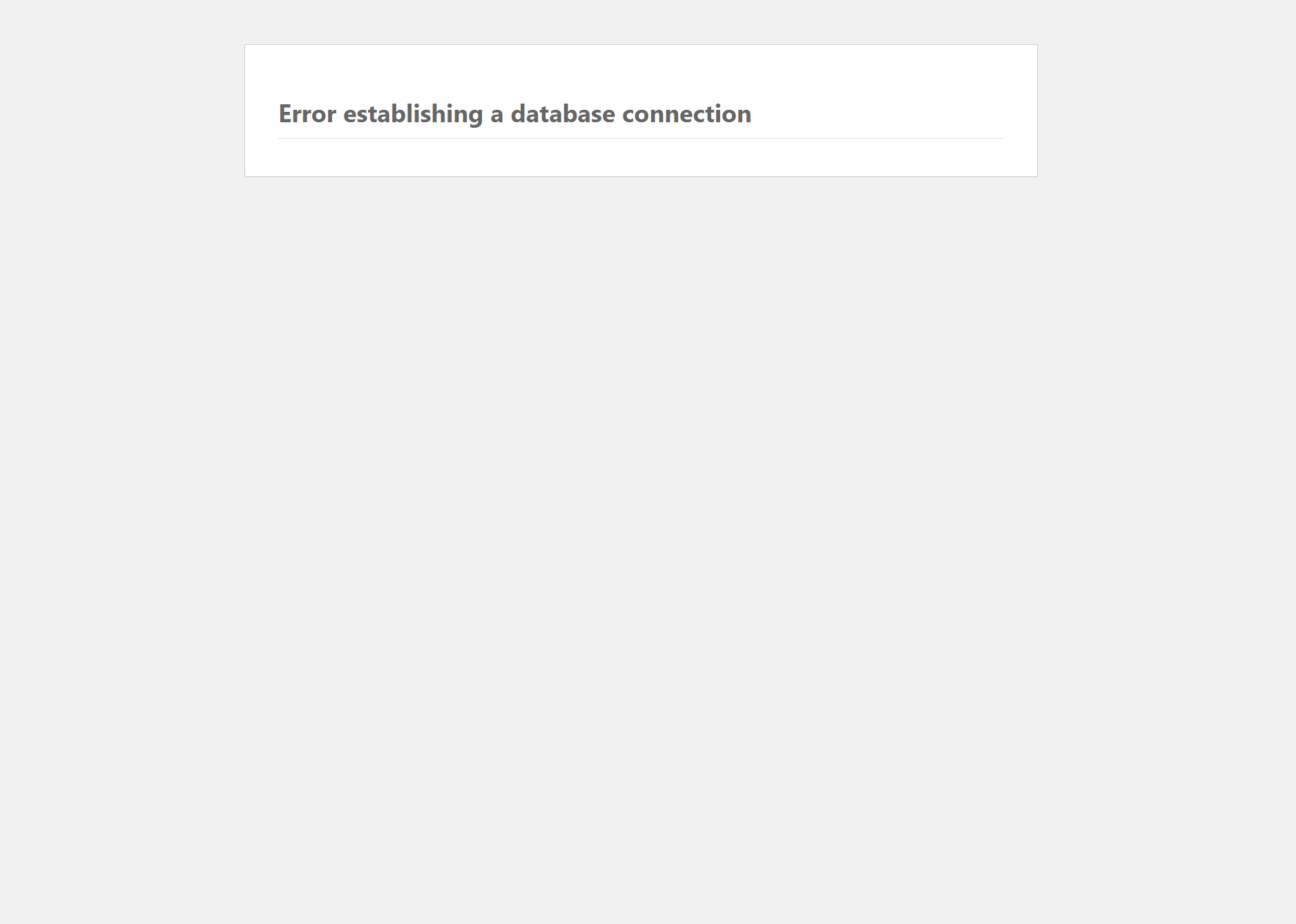
3 i checked if there was any changes on the files in the subdomain folder it yes it loaded all the WORDPRESS FILES then i visited the subdomain and it show an ERROR ESTABLISHING A DATABASE CONNECTION.
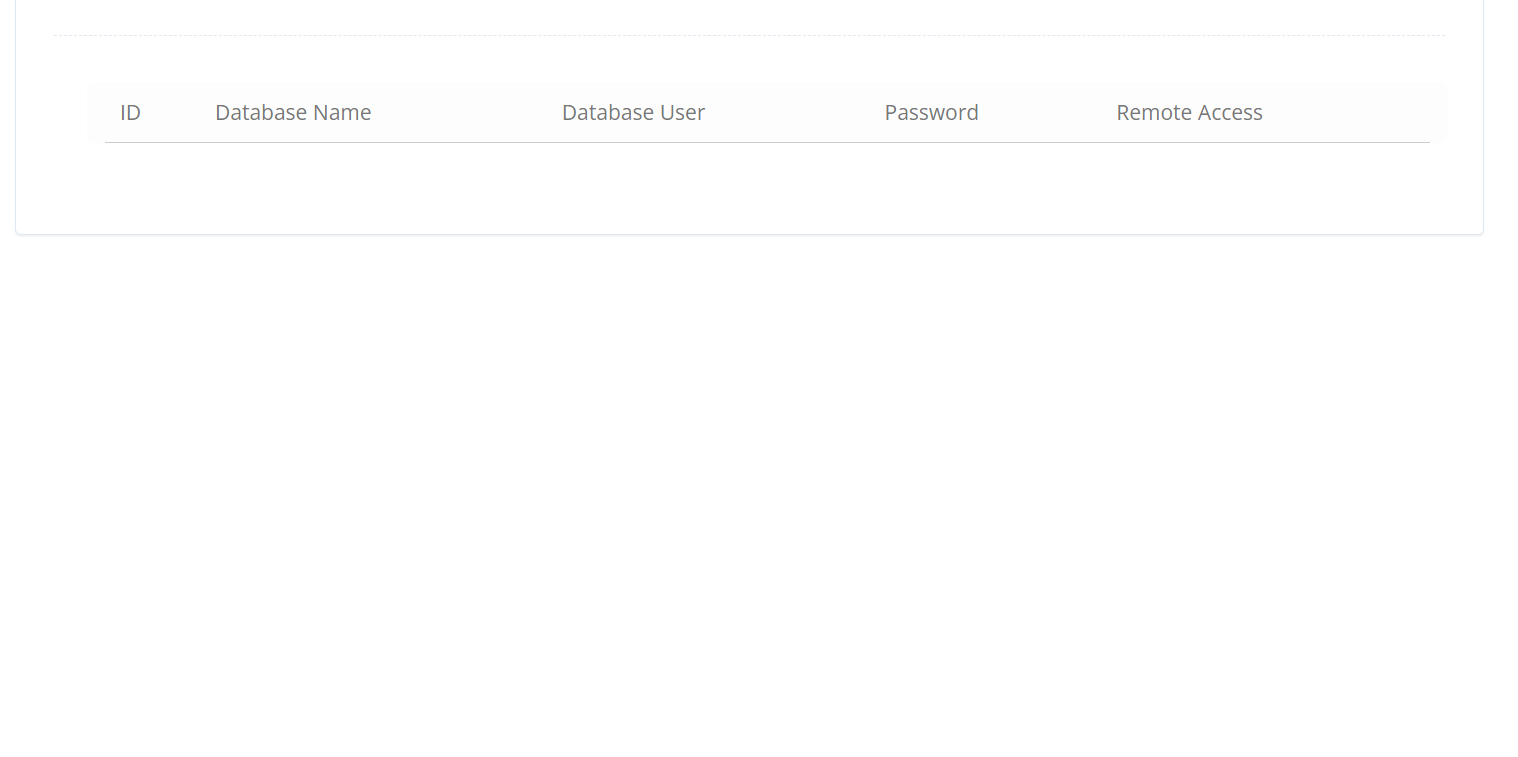
4. I checked the databases and there was no database created for this subdomain it did no created any database at all. can someone tell me what’s going on.
i already reboot the server by running a reboot
also did the systemctl restart lsws
and still does not work…
server details digital ocean
1GB RAM
1 AMD vCPU
25GB DISK
i attached images to reference my description
Check any conflict with Apache2
apache2 stop
Check Litespeed domain.com:7080
Listen 80 and 443 are ON ??
if you get 404
its look like you are under Cloudflare
if so…
pause site
purge all cache
create test.html under public_html
insert any text (example:
<h1>success</h1>
save it
close browser
open run command (eg.windows cmd)
type ipconfig /flushdns
recall the URI : http://yourdomain.tld/test.html
if success
then it’s the time to talk about failed wordpress installation
(but later after 404 problem solved
The 404 error happens when im installing wordpress and litespeed, it loos like is doing its thing but after few seconds the installation fail saying “INSTALLATION FAILED: ERROR MESSAGE: [404]”, the installation proccess from cyber panel loads the files into the subdomain that i previus created i verified i login with filezilla and the wordpress files were loaded into the subdomain folder, but no database was creaed it looks like the problem happens in the process between creating wordpress and database. because it did no created any database, refer to the image i uploaded it show the error, im able to create the domain but when im installing wordpress thats when i get the error on cyberpanel, i created another subdomain but this time i did not install wordpress i only uploaded an index.html and css file that a created and it works,
you cant install both in same times and they are different cms and system
upgrade your cyberpanel ? have you do this ?