Community

Schedule Backup job erros

MA
Mahmoud Al Nagar #1

Hello…
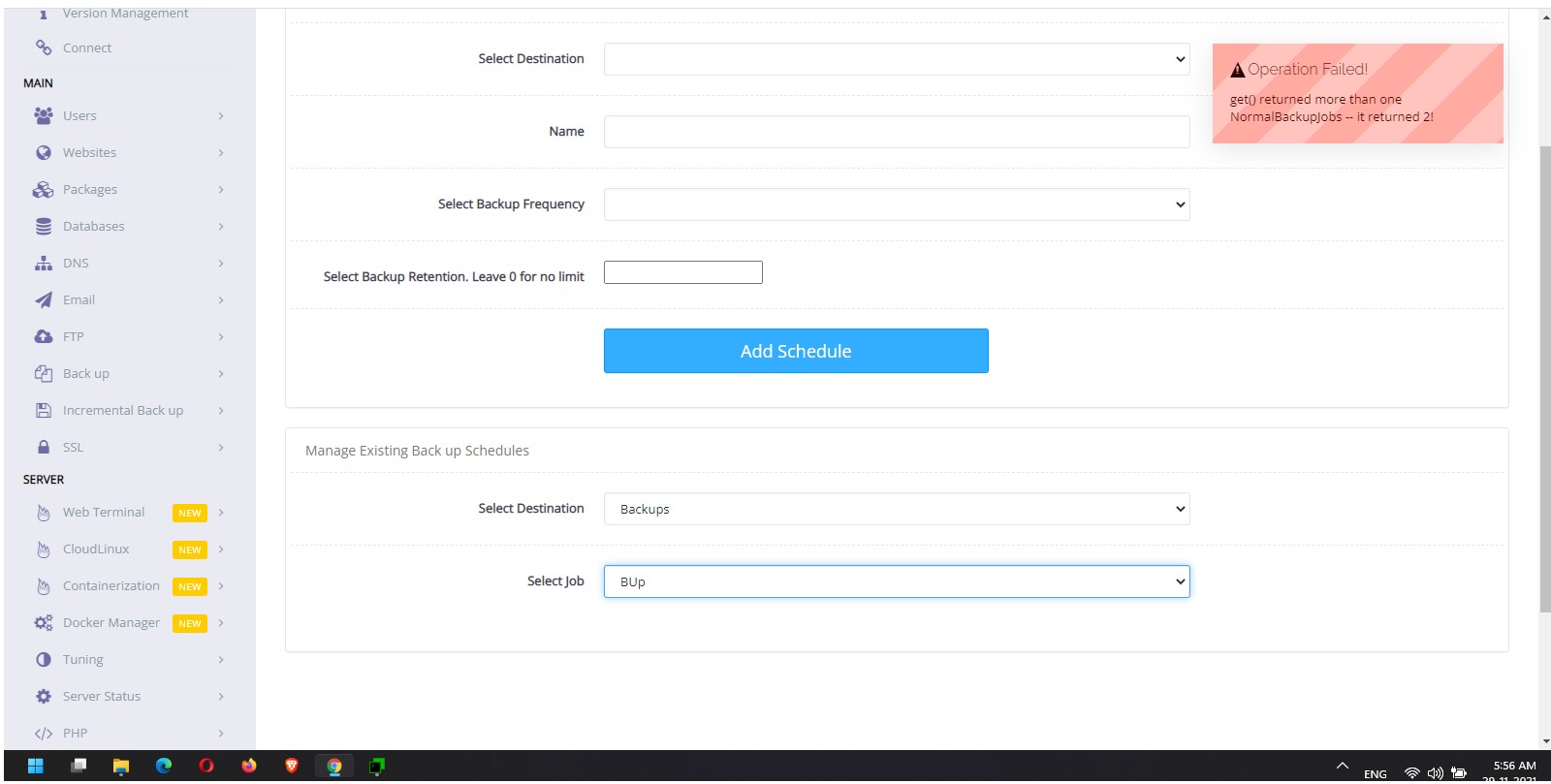
I have saved scheduled backup jobs, not working giving error message and cant be deleted from the drop list menu, I’m sure that anyway to remove them from some configuration file somewhere.
when I try to select this job it, it gives error message as shown in
ttached pic.
I wanted to delete these jobs and create new ones. any help please?

Thanks
NK
Nitesh Kunnath #3

Sorry for late reply as I was omiting older posts and replying to all the new posts since 1st December 2021. Maybe your post got ignored. Thanks for bumping it up.

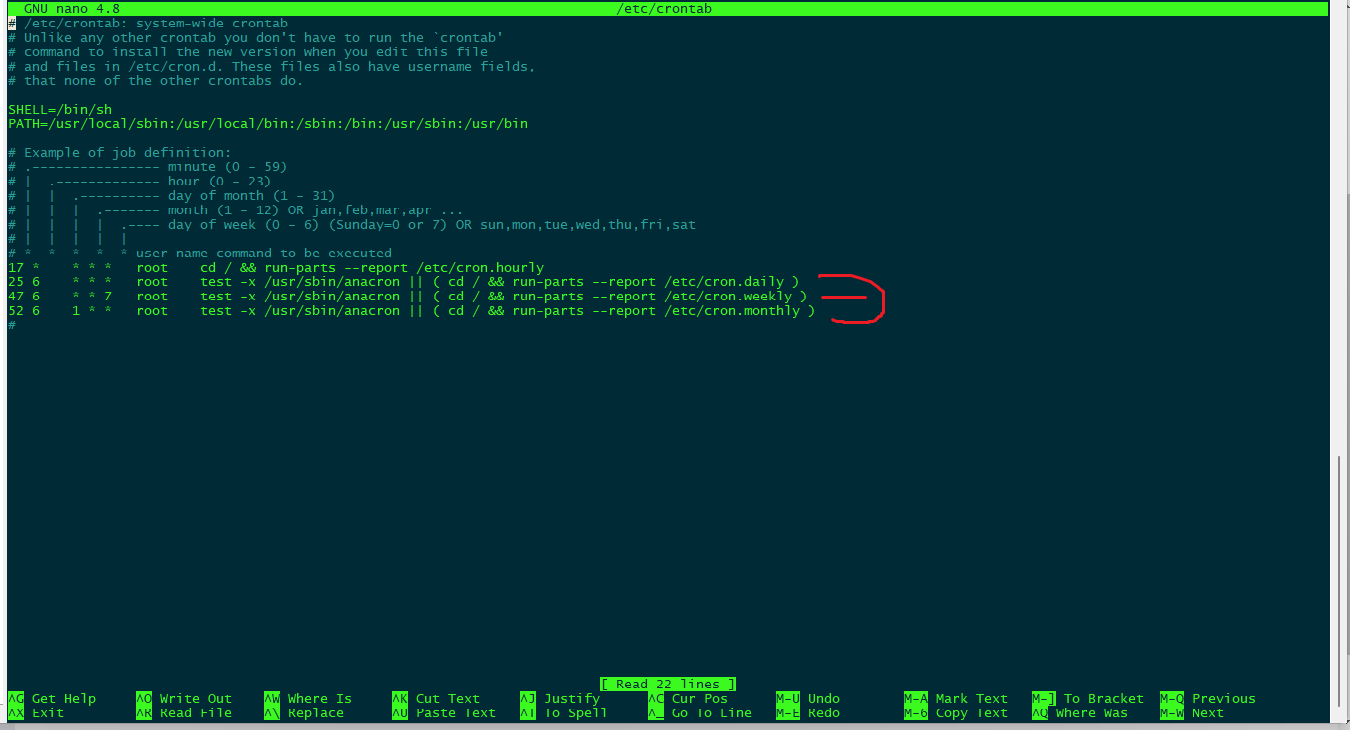
Login to SSH as root and type this:

vi /etc/crontab

Or

nano /etc/crontab

And remove any entries you see which is related to scheduled backups. And save the file.

NK
Nitesh Kunnath #5

Have you tried upgrading cyberpanel and recheck this?
Please try to upgrade cyberpanel and try again.

MA
Mahmoud Al Nagar #6

Thank you for your concern…
CyberPanel is already upgraded to the latest version, I think jobs entries exist in another file

MK
Mirza Khadnezar S [sick] #7

same problem here

my Google backup (admin) not running to backup entire account

ay
ayushman #8

Hi. It’s an old post. But I faced this issue today with the most recent stable version. This happens if you assign same scheduled backup name to multiple backup destinations.

I tried finding the entry in crontab, files and database. Finally, deleting and recreating the destination worked for me.

Go to Add / Delete Destination and start again if that is a possibility.

Sign in to reply