
CyberPanel Community

How to remove CyberPanel installed index page from wordpress

bi
bilalhus #1

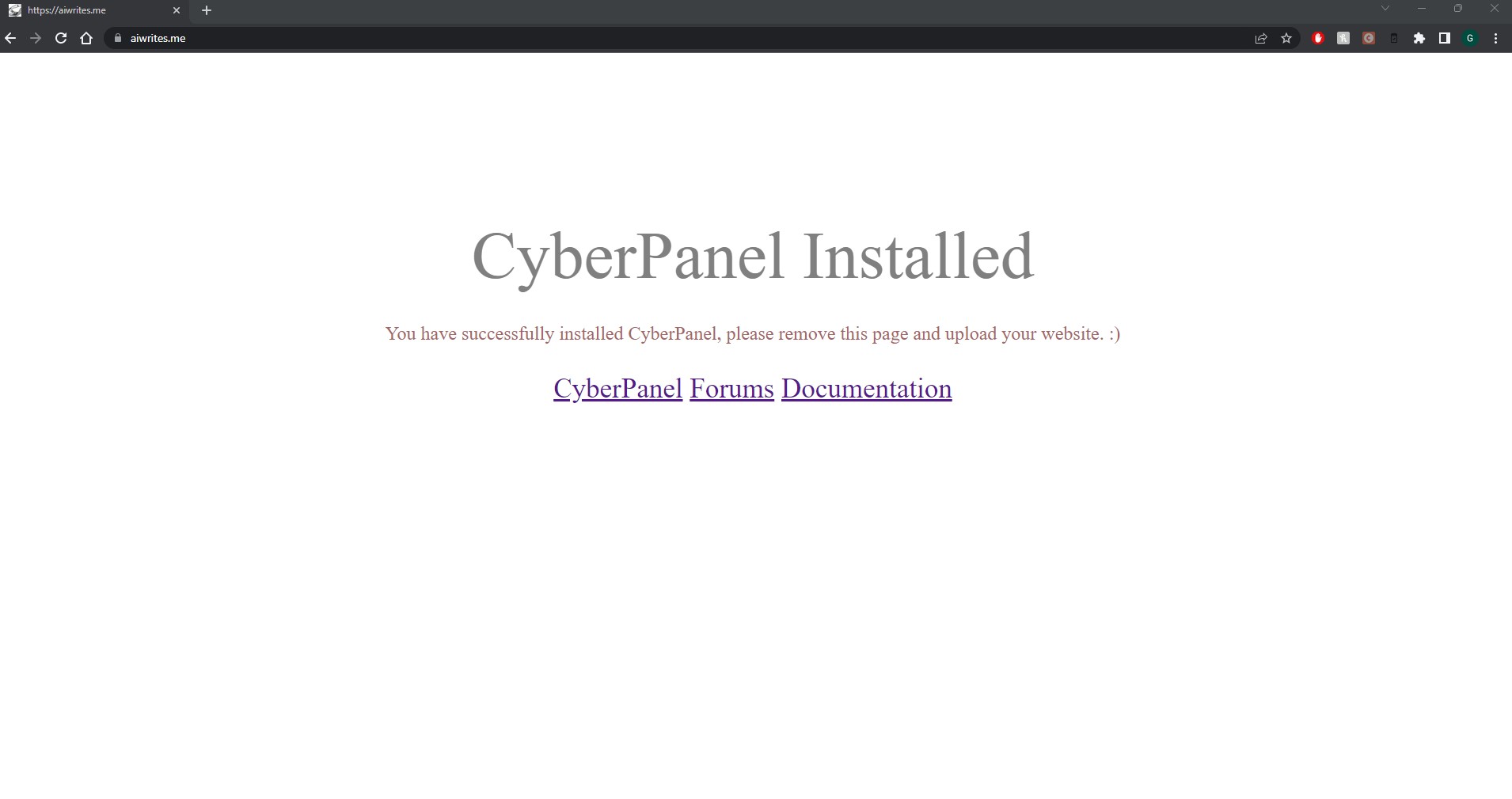
A few days ago I installed wordpress on 3 domains but after 2,3 days on my 1 site mydomain.com it was showing Cyberpanel installed page. Then I removed that index.html file from file manager now my site home showing 404 not found
5 replies
ma
maxin #2

When you create a website the cyberpanel index.html is auto-added from /usr/local/CyberCP/index.html ( if you need you can customize it) ,

but yes when you delete the index.html from site document root ( public_html) it will show 404 since there is no default index page in the site.
make sure your site have proper Wordpress installation , if it didn’t have index pages it will show 404 which is normal.

jo
josephgodwinke #4

Check .htaccess/rewrite rules and delete index.html from document root

TK
Tom Kaiser #5

I’ve edited the index.html file and it still shows the default “CyberPanel Instlled” page. Any ideas?

TK
Tom Kaiser #6

It’s ok. I had created the website with the same name and it had put another copy of that index.html inside the directory and was referencing this. :slight_smile:

Sign in to reply