Tu
Tushar
#1
 Community
Type your comment
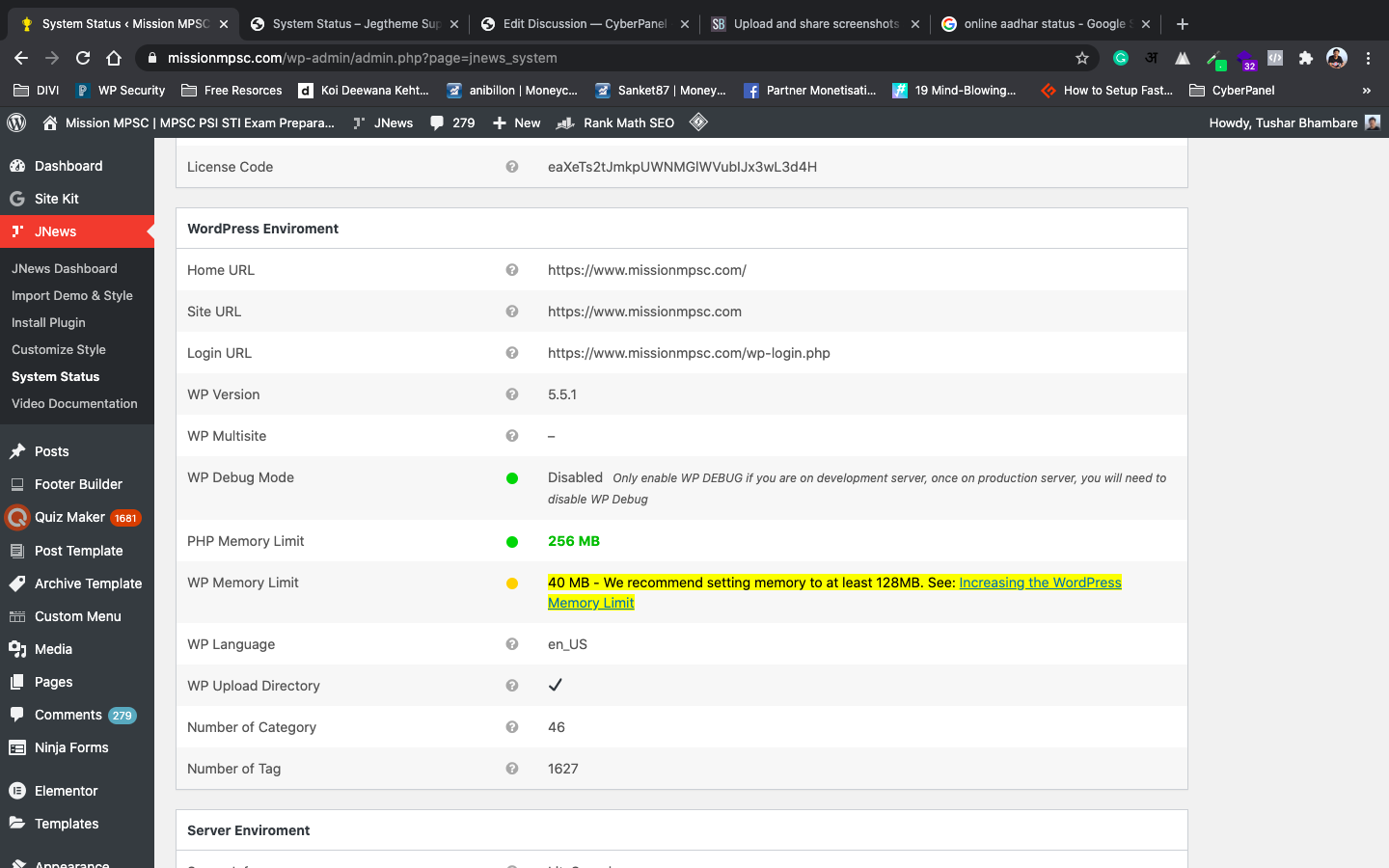
go to cyberpanal and you see edit PHP configs on left-hand side Bottom.
And select your present PHP version and Cyberpanel has Created easy fields, Directly enter the required Data, and hit save. And refresh your Site you will have you Memory Limit increased 
Already tried. But the same issue.
Then it’s likely that your memory limit is set by script itself.
For instance, I had a WordPress installation that had the following line in wp-config.php:
define( ‘WP_MEMORY_LIMIT’, ‘64M’ );
So no matter what the php.ini settings were, WordPress was stuck on 64M. Changing the value on that line fixed the problem.
Memory limit can be set from within a script using ini_set(), like this:
ini_set(‘memory_limit’,’64MB’).
I have same issue, there´s no way to increase WP memory Limit on CyberPanel.
This issue only happens in cyber panel.
I use virtualmin for many years and never have this issue.
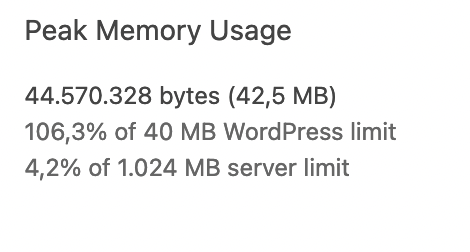
The only way I found to fix it is in wp_config.php
define( ‘WP_MEMORY_LIMIT’, ‘1024M’ );