
CyberPanel Community

Change directory website files get stored in

co
colomboj #1

I recently installed cyberpanel on a centOS server and I like it, but we use a san and have a mount setup to store files to. Is there any way to get cyber panel to generate websites home folders in a different location other than the /home dir on the host machine? Like changing it to a /mnt/sandrive would be super great!
6 replies
xc
xchromer #2

this sounds great… this is exactly what I have been looking for answers on. I considered mounting a blockstorage in home but not quire sure how to go about it…I certainly hope someone will come up with a solution

Th
Thanh #3

i have question same too, but not find solution.

La
LarryR #4

Is this possible Cyberpanel?

Hard drives fill up fast, can we change the home folder?

Re
Reyna9 #6

To change your directory index, edit your .htaccess file and add … Application/website infrastructure
files are typically saved elsewhere

MV
Minh Vuong #7

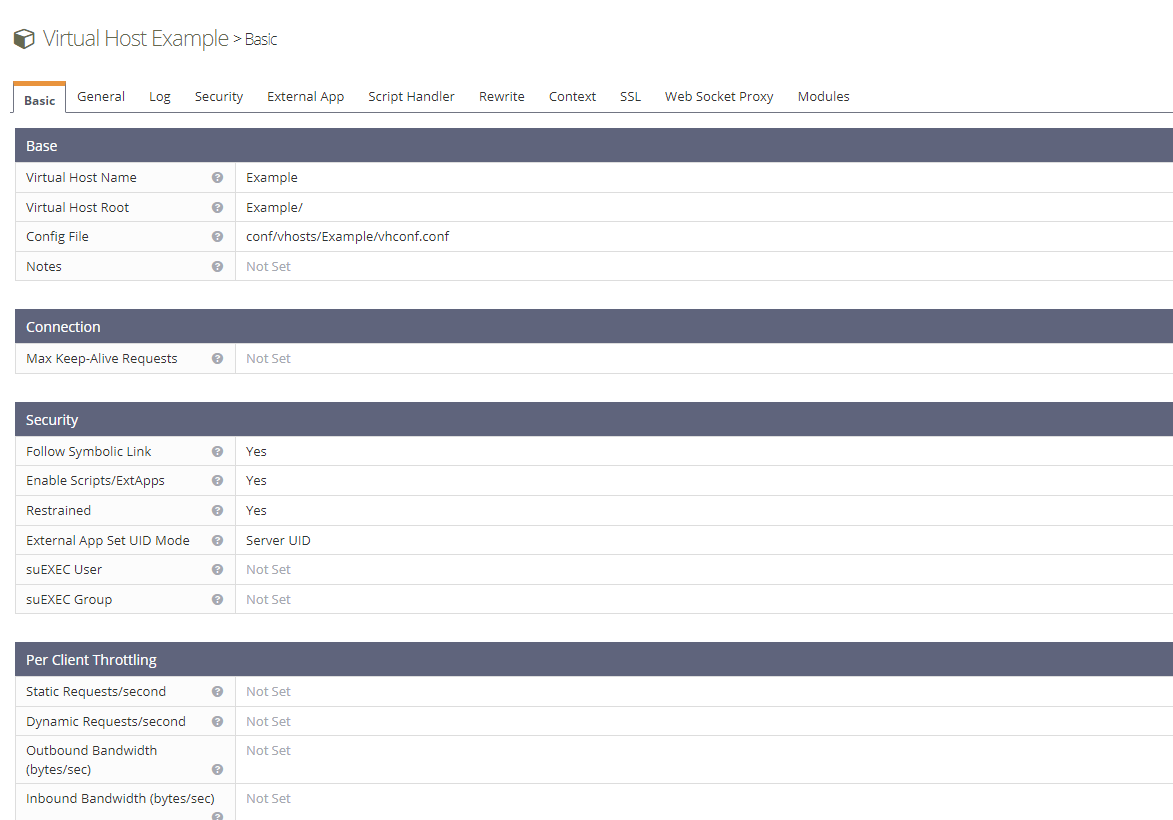
UP! I have exact the same request with OP. I changed the vhost configuration in cp.domain.com:7080, but in the cyberpanel the document root of the website doesn’t change. For example the backup folder always placed at /home/domain.com/backup and the File Manager always point to /home/domain.com.

Please help!

Sign in to reply