ik
ikk157
#1
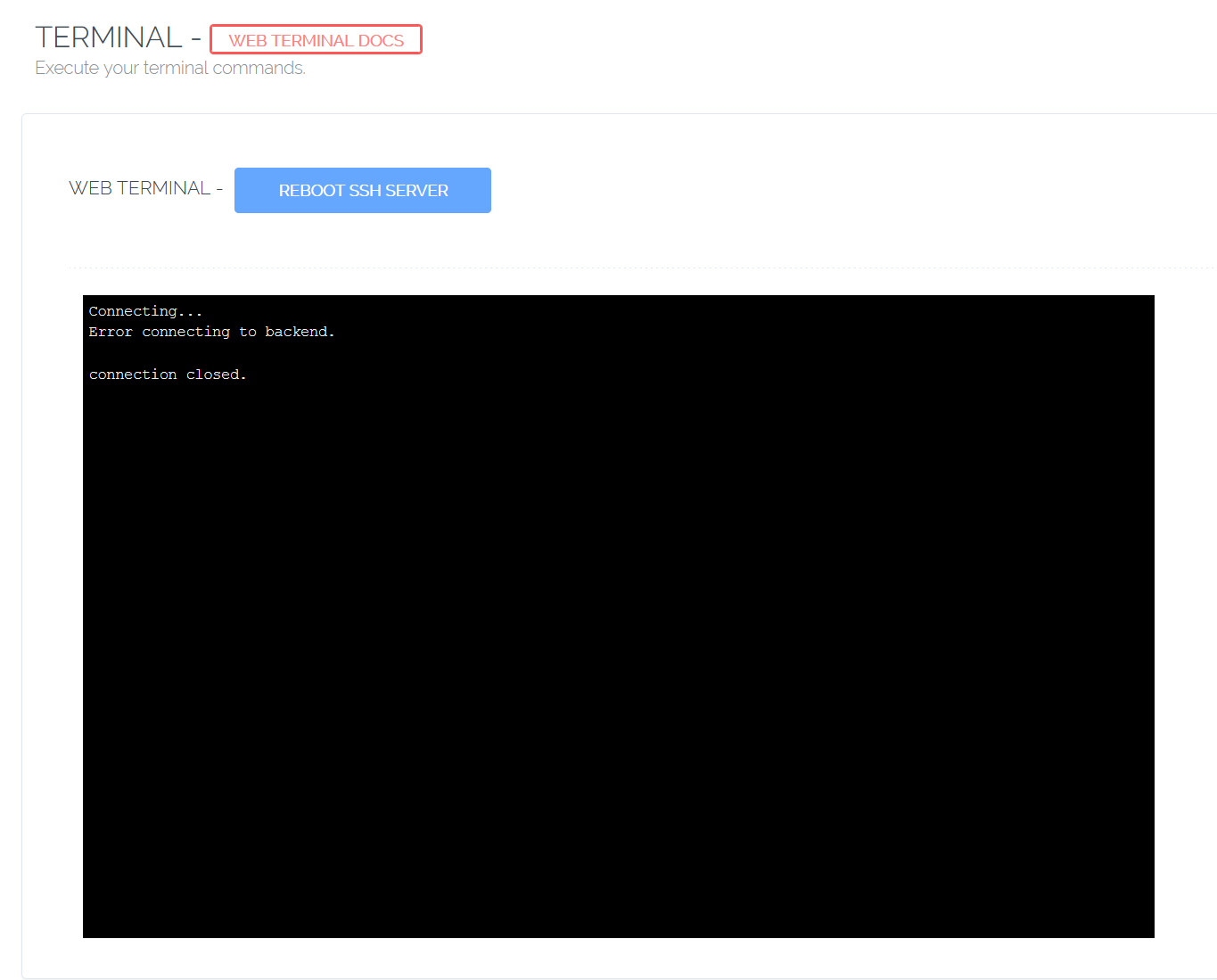
I recently changed the ssh port, but as soon as I did so, that broke the web terminal. It shows error connecting to backend.
Any clue on how i can updates the new port on the web terminal?
 Community
I recently changed the ssh port, but as soon as I did so, that broke the web terminal. It shows error connecting to backend.
Any clue on how i can updates the new port on the web terminal?
Hello,
Change file; /usr/local/CyberCP/WebTerminal/CPWebSocket.py
self.sshclient.connect(‘127.0.0.1’, 22, username=‘root’, pkey=k)
replace port 22 here
then restart the ssh server and kill CPWeb process
ps aux | grep CPWeb
kill -9 pid number
@veriloji said:
Hello,Change file; /usr/local/CyberCP/WebTerminal/CPWebSocket.py
self.sshclient.connect(‘127.0.0.1’, 22, username=‘root’, pkey=k)
replace port 22 here
then restart the ssh server and kill CPWeb process
ps aux | grep CPWeb
kill -9 pid number
Did that to no avail. The issue persists.
I forgot to mention that i also disabled the root user. Could that also contribute to the issue?
Yes,
I haven’t tried, but change root in this file.
self.sshclient.connect ( ‘127.0.0.1’, 22, username = ‘root’, pkey = k)
I don’t know root account, i haven’t tried
But my server is work to different port.
Weird
I will detect SSH port from ssh configuration file, will produce a fix soon.
I fixed the issue when port other then 22 is used → Bug fix: detect non-default SSH port for WebTerminal · usmannasir/cyberpanel@54f83c3 · GitHub
You can get the fix using new upgrade guide → 02 - Upgrading CyberPanel - 01 - Install/Upgrade - CyberPanel Community
You will also have to restart SSH web server.
@CyberPanel said:
I fixed the issue when port other then 22 is used → Bug fix: detect non-default SSH port for WebTerminal · usmannasir/cyberpanel@54f83c3 · GitHubYou can get the fix using new upgrade guide → 02 - Upgrading CyberPanel - 01 - Install/Upgrade - CyberPanel Community
You will also have to restart SSH web server.
Thank you! Will try it in a few hours and update you on the outcome.
@CyberPanel said:
I fixed the issue when port other then 22 is used → Bug fix: detect non-default SSH port for WebTerminal · usmannasir/cyberpanel@54f83c3 · GitHubYou can get the fix using new upgrade guide → 02 - Upgrading CyberPanel - 01 - Install/Upgrade - CyberPanel Community
You will also have to restart SSH web server.
I updated, but it still doesn’t work. However, when i re-enabled the root user from cyberpanel itself, the web terminal started working. However, as soon as I disable the root user (again, from cyberpanel itself), the web terminal stops working again.
Can you look into this too please?
Anyone?
Not sure why my issue keep going unnoticed. Am I doing something wrong?
Hi, got still same problem after upgrade, please help!
Are you using hostname SSL? Terminal won’t work without valid hostname SSL.
I am using https://IP:8090/Terminal/
Oh, i think it should be noticed somewhere on screen, should not be? Thanks!
can not connect using ssh…