
Community

CyberPanel 1.8.0: Unable to Access Preexisting Docker Installation

Hi
Hifihedgehog #1

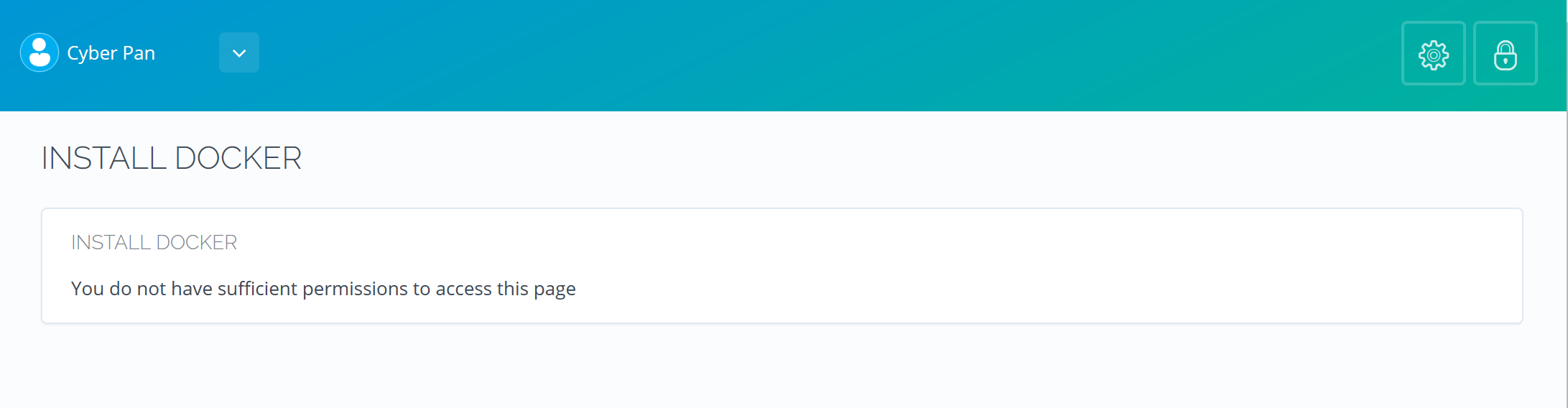
I just upgraded to 1.8.0. Everything is working fine and dandy. That is except for the Docker Manager. As I understand it, it is now out of beta. However, when I try accessing any of the Docker pages, it says on those pages “Install Docker” and “You do not have sufficient permissions to access this page.” I already had Docker-CE installed beforehand for Discourse. Is there something I am missing?
Cy
CyberPanel #2

Will provide you more details soon.

Cy
CyberPanel #3

If you get the permission error (or you have installed docker out of CyberPanel). Please run these commands

groupadd docker
usermod -aG docker cyberpanel
systemctl enable docker
reboot

AK
AKr0nizz #4

Okay, yet another problem.

I’m not a professional managing CentOS, but when i try running the code above:

[root@ubuntu-2gb-nbg1-1 ~]# systemctl enable docker
Failed to execute operation: No such file or directory

AK
AKr0nizz #5

Used:

sudo yum check-update
curl -fsSL https://get.docker.com/ | sh
sudo systemctl start docker
sudo usermod -aG docker cyberpanel
groupadd docker
usermod -aG docker cyberpanel
systemctl enable docker
reboot

… and everything works!

Sign in to reply