
CyberPanel Community

Cannot not login to panel via port 8090 after 1.7.3 update

am
amazy #1

Hello Usman and the Cyberpanel team.

I recently upgrade from cyberpanel 1.7.1 to new 1.7.3 build with success.

After that while still logged in I could see the upgrade change and could access Cyberpanel as usual.

But while refreshing browser cache and re login back in I suddenly couldn’t login anymore from port 8090 and access the panel. Weird.

However I can still login to the console via port 7080 and connect to my website and access ftp login without issue. Just the panel is inaccessible past the login page.

I restarted server, litespeed, gunicorn etc…

But everytime I try to login back to my panel via 8090 I am redirected to login page.

Same thing if I try to access via another url like ip:8090/websites I am redirected to a blank login page.

When login in the page refreshes but redirect to the same login page. I just can’t get past login page.
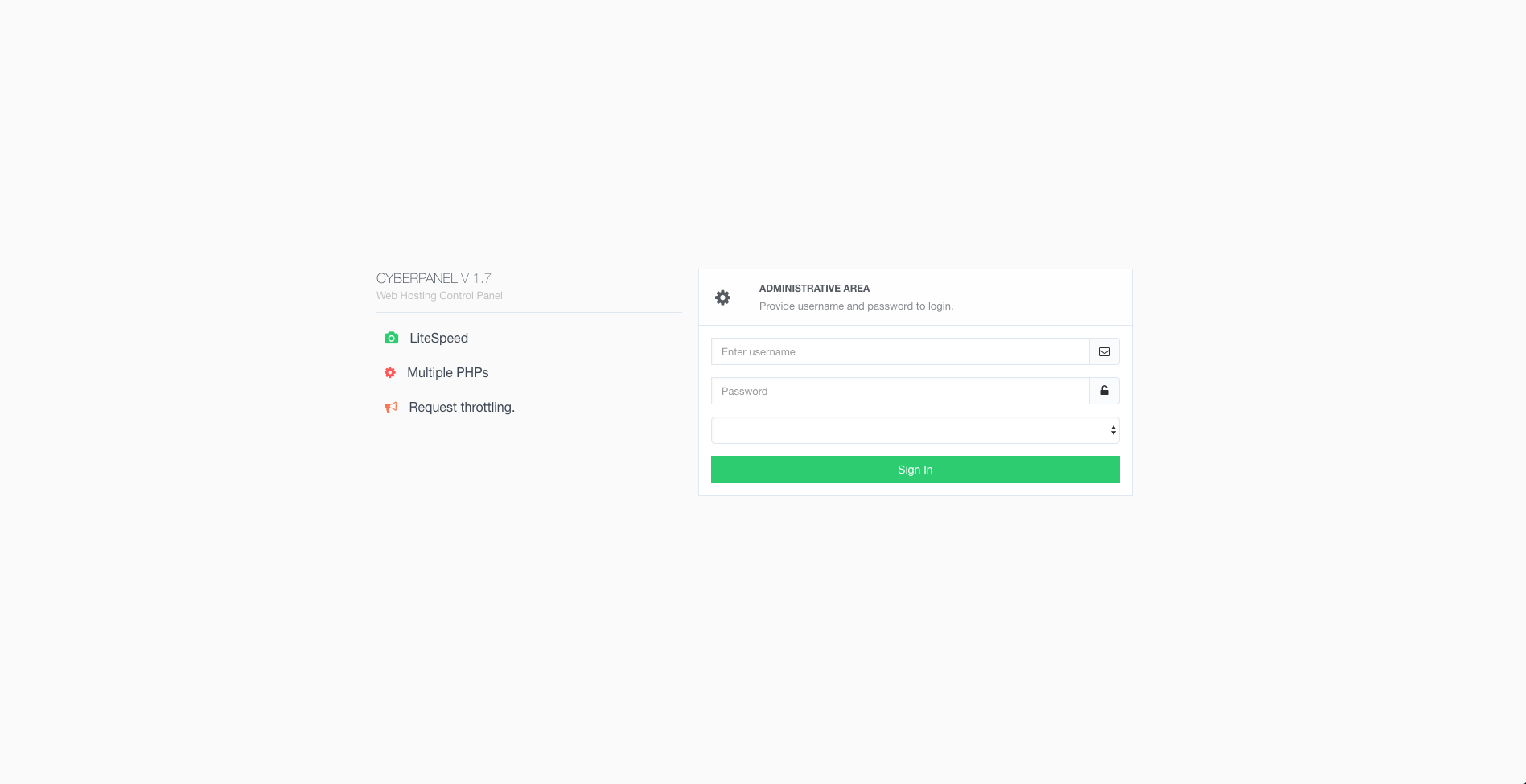
The log/pass is good and haven’t been changed, because if I voluntary put a wrong pass I have a “bad pass notification”.

Please, what can I do to login back and manage my panel.

Thank you very much.
7 replies
Ka
Kaz #2

Try the default password “1234567”

Or reset on terminal

python /usr/local/CyberCP/plogical/adminPass.py --password newpassword

am
amazy #3

@kaz050457 You are my saviour! Thank you so much!

@usmannasir Why such things happen after update? If you can put it in the documentation it would be nice.

I only remarked that after password reset you can’t put back your old admin password, you must create a new one.

am
amazy #4

Also very weird stuff: when I recreate a new wordpress site if the new password contains any special character like % $ it is not accepted as before… really strange

am
amazy #5

@usmannasir if in the future release there is a possibility to update from the panel directly or automatically would be more convenient.

There is an issue when upgrading from previous version.

I reinstalled a clean snapshot with cyberpanel 1.7.1 install.

Updated to 1.7.3 again.

Have exactly the same issue.

Also now I cannot use password with special character to install any wordpress site.

I did not do anything wrong and followed documentation carefully.

Understand it is time consuming to go back and forth each upgrade.

Now all I have to do is do a clean install directly to 1.7.3 or stick with 1.7.1.

Please consider investing in this issue.

Thanks.

am
amazy #6

I am 100% sure there is an issue with passwords containing characters used in programming.

Prior to 1.7.3 such passwords were accepted.

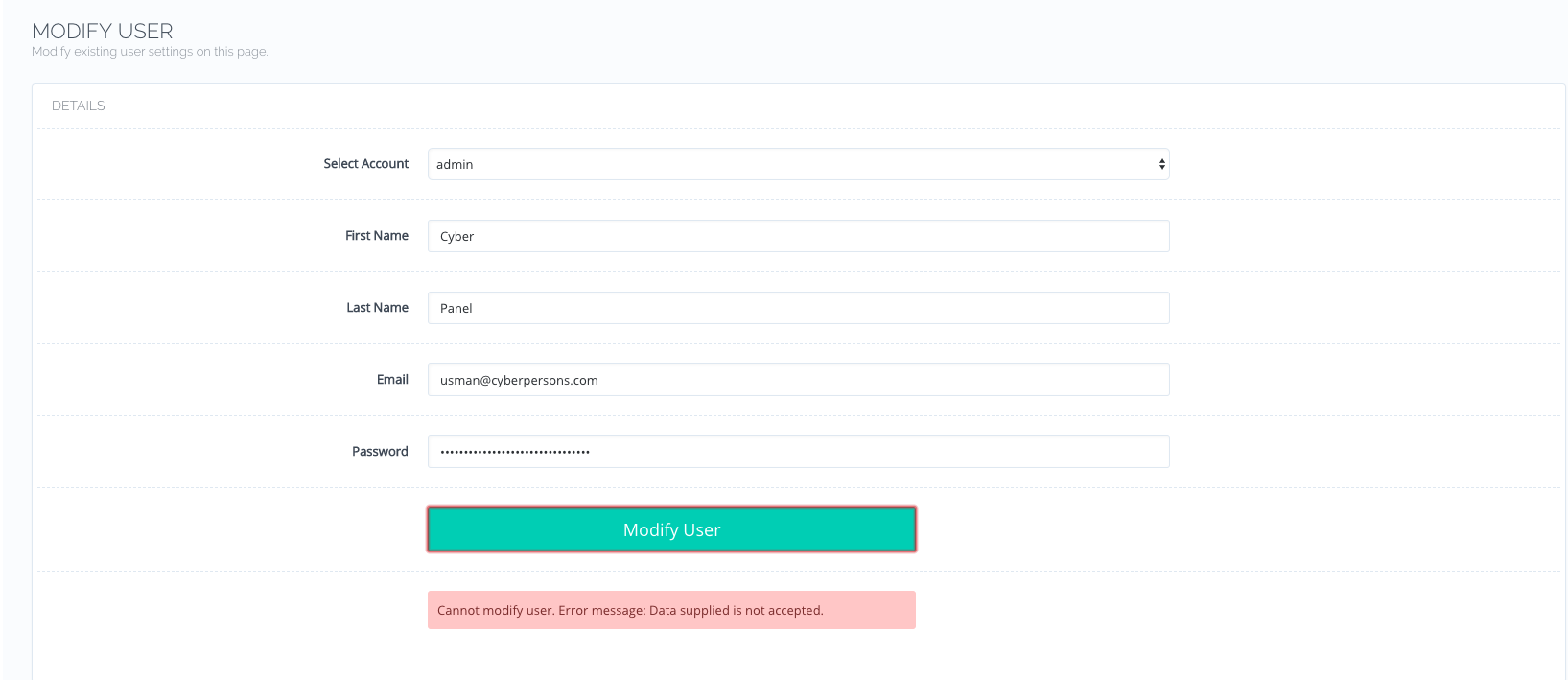
I used a password generator to change the Cyberpanel admin password after upgrade and it didn’t worked until I used password without such characters.

Everytime everytime my pass contained characters like:

`,$, ', ", &, [space], , ?, @, #, <, >, (, ), {, }, [, ], /, \

for the admin and or wordpress site password, cyberpanel refused them with an error message like this:

Imgur

Same with website creation.

It wasn’t happening like that before in version 1.7.1

Try for instance changing your admin password with this one:

d@8\\263"g95542:{19\;1e"n59`}4Q

It simply won’t work.

Try wih this one it will work:

+5Jp7ry.^!^.2d*d_=^*d6^M2+e:=1yo

same for alphanumeric only pass:

oQ9Ok0yx4N47KK2k4QRN51BT92cj6T4Q

So knowing that my previous cyberpanel AND wordpress site used such passwords if think that’s why I had this issue of login lock down and needed to reset my password after 1.7.3.

Please @usmannasir#0021 can you confirm this, I am not crazy, there is an issue and even after doing a pristine fresh clean install of 1.7.3 the same problem occurs.

Thank you.

Cy
CyberPanel #7

You are right

;, &&, | and ... are not accepted as input because of them being used in OS command injection.

am
amazy #8

But this wasn’t the case before 1.7.3 right?

Because this creates lots of troubles as even my wp pass contained such characters…

Anyway, I found a way to overcome this.

Now I know… the hard way.

Thanks.

Sign in to reply