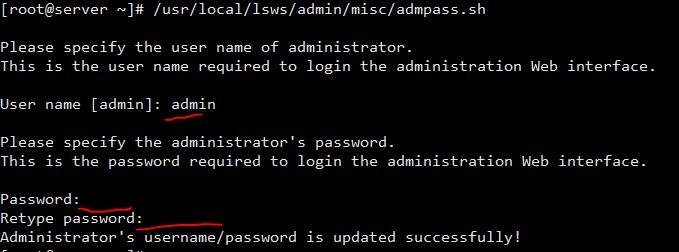
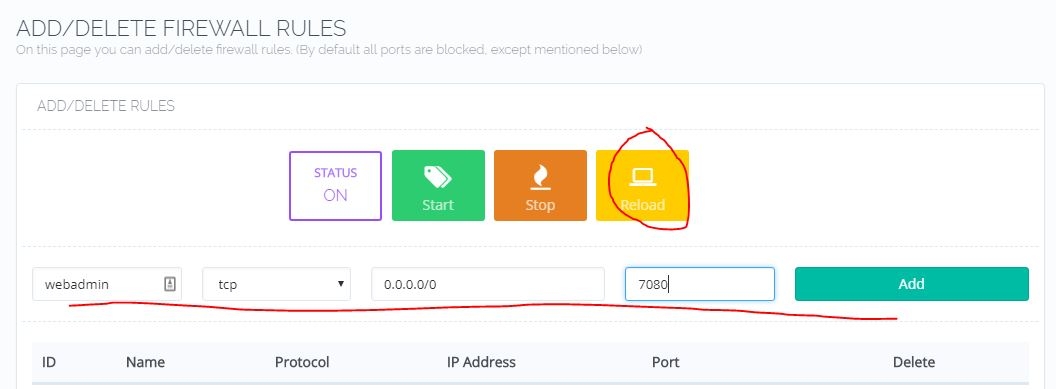
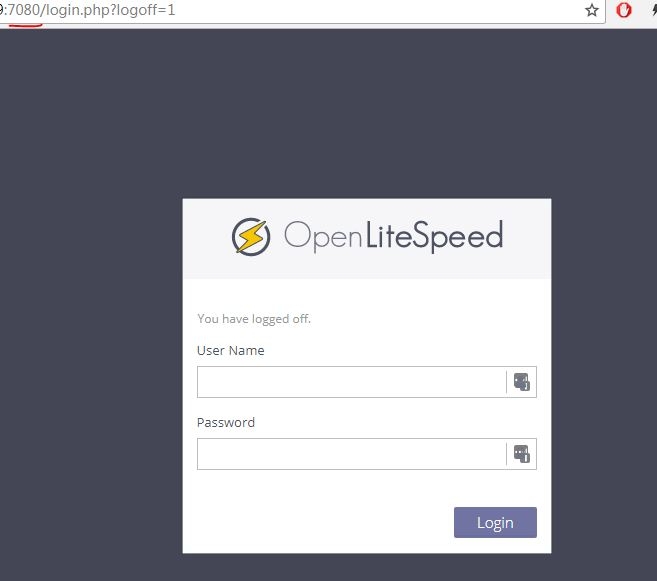
Yes. Without CF, domains work OK.
when you say domains work , as https://domain.com it leads you to cyberpanel page, right ?
and actually I just did that tutorial on my test server and it works with CF enabled.
[root@cpanel ~]# curl -I -XGET https://xxxx.me
HTTP/1.1 200 OK
Date: Tue, 05 Nov 2019 22:29:06 GMT
Content-Type: text/html; charset=utf-8
Transfer-Encoding: chunked
Connection: keep-alive
Set-Cookie: __cfduid=d53b0fec021f1df12090596c39417413c1572992946; expires=Wed, 04-Nov-20 22:29:06 GMT; path=/; domain=.xxxx.me; HttpOnly; Secure
Cf-Railgun: direct (starting new WAN connection)
Content-Language: en
Set-Cookie: csrftoken=qDspwoxOsGBdGqW9aHOZxobghbmQKXciOHK4PadqwgTDH1Mr6B6Xx01RvhXCBtZp; expires=Tue, 03-Nov-2020 22:29:06 GMT; Max-Age=31449600; Path=/; secure
Vary: Cookie, Accept-Language,Accept-Encoding
X-Frame-Options: DENY
X-Turbo-Charged-By: LiteSpeed
X-Xss-Protection: 1; mode=block
CF-Cache-Status: DYNAMIC
Strict-Transport-Security: max-age=15552000
X-Content-Type-Options: nosniff
Expect-CT: max-age=604800, report-uri=“https://report-uri.cloudflare.com/cdn-cgi/beacon/expect-ct”
Server: cloudflare
CF-RAY: 531243b99a6c97c0-FRA
as you can see , status 200 OK , and server: cloudflare
please check the screenshot , reverse proxy to panel with CF enabled , works.
you can see, CF extension indicates my connection is via their Amsterdam node with IP 104.27.149.241
so in your case, I think you may have some misconfiguration , in particular , I suspect something to do with options inside “SSL/TLS” tab