CyberPanel Community

4 - Change Upload Limit for phpMyAdmin

RM
Rana Muhammad Usman Nasir #1

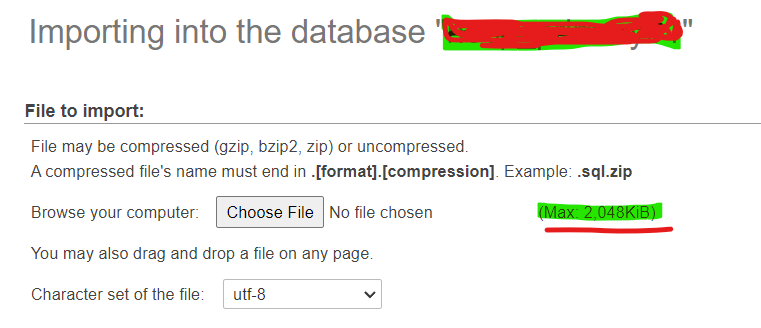
To change phpMyAdmin upload limits to a higher value:

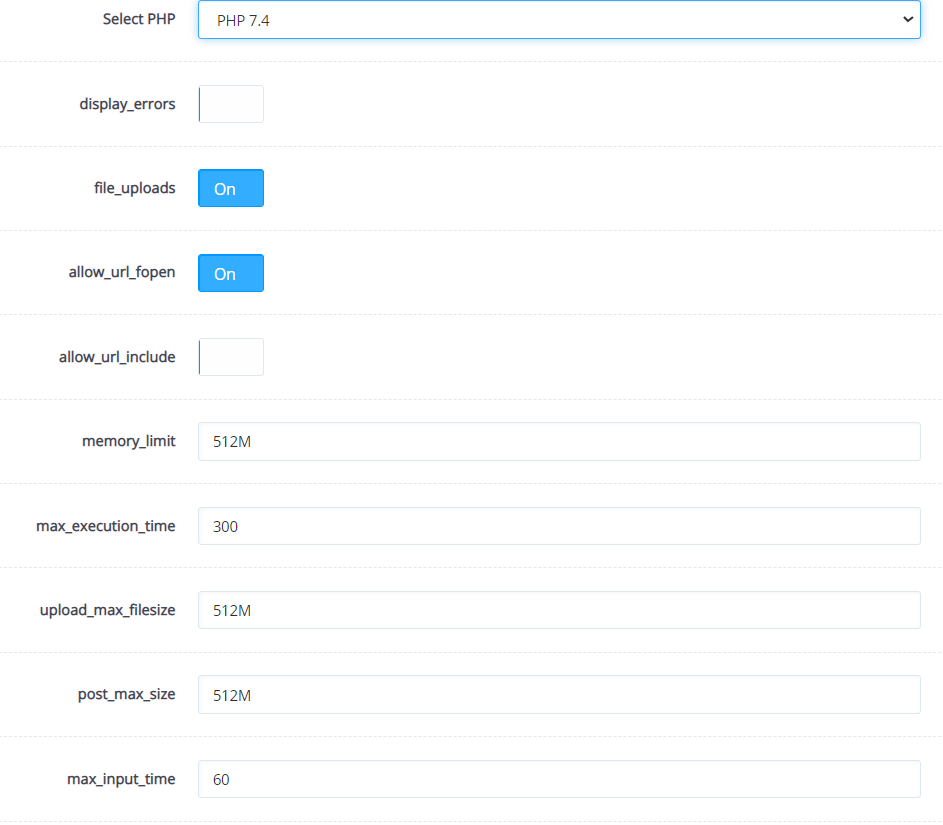
  • Go to PHP → Edit PHP Configs → Advanced , and select php 7.3
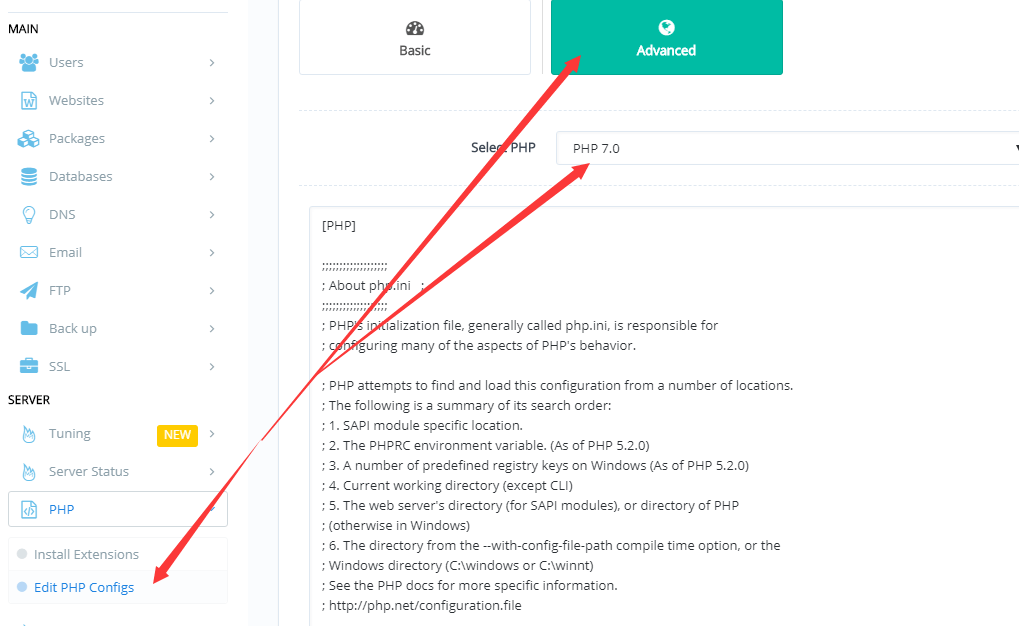
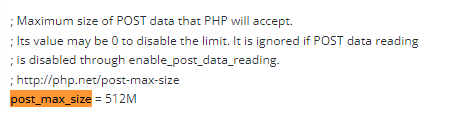
  • Search “post_max_size” , and change value from default 8M to size you wish , for example 100M
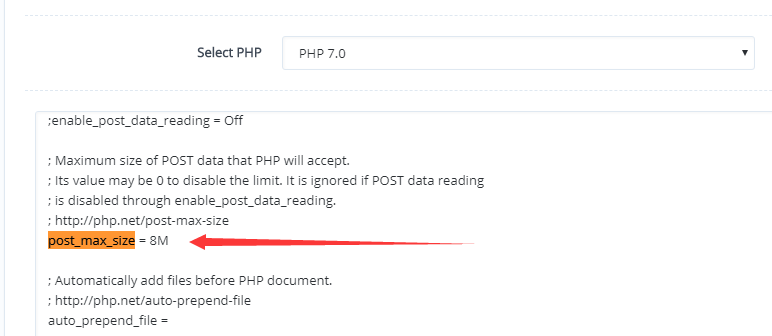
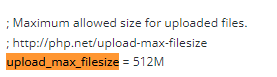
  • Search “upload_max_filesize” , and change value from default 2M to size you wish , for example 100M

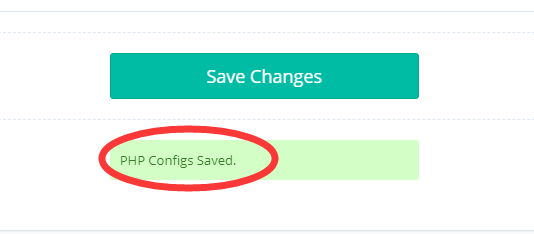
  • Save changes

  • Restart LSCPD by following command:

systemctl restart lscpd

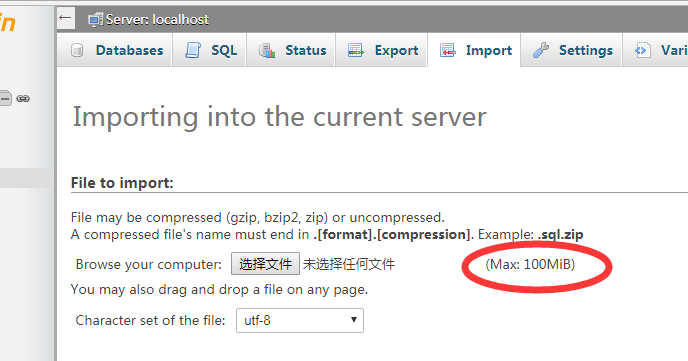
  • Now go to phpMyAdmin, upload size is raised with your setting.
19 replies
SB
SUDIPTO BAIN #2

Thanks Bro Its Worked For me

MF
Mohamed Fazil #3

Hi,
Where to Restart LSCPD that fourth step. someone pls help me.

sh
shoaibkk #4

From the ssh access your ssh terminal and run systemctl restart lscpd

RA
Rukhshan Ali #5

I have follow all the steps, but not working for me.

  1. I was trying to change from BASIC > upload_max_filesize and post_max_size set to 512M

then i trying to do by using ADVANCED > set values 512, save changes and restart php. But not working.


Screen2
Screen3

I am new to cyber panel, can you please help me to fix it.
Thanks

NK
Nitesh Kunnath #6

You need to change the values for PHP version 7.3 and not 7.4 because cyberpanel database is using Php 7.3

sk
skypeleft #7

Thanks, pro, your info very impotant for me, worked… 7.3

MA
Muhammad Adil Riaz #10

As of NOW - January 2023… PHP version for phpmyadmin is 7.4
I have tried 7.3 / 8.0 but, once i increased values in 7.4 - it worked for me ! :innocent:

th
thiagosennin1 #11

man, how to solved this? i tried the same thing, but not working, phpmyadmin with php 7.4.

MA
Muhammad Adil Riaz #12

After increasing values in 7.4, SAVE changes & also after that, do click the “Restart PHP” button… It’ll work.

MA
Muhammad Adil Riaz #13

Also do this via ssh…

  • Restart LSCPD by following command:

systemctl restart lscpd

Er
Eric #15

Hi, I achieved. After increasing the PHP limits, I simply ignored the import field label. I kept waiting for the error to happen, but it didn’t. My database is over 200MB and has been successfully imported. I also read on a DEV blog that phpMyAdmin version 5.1 is not as compatible with Php 7.4. So I assumed a bug in the import field label would be the least I should expect.

vi
villasweb #16

Me needer … php 8.1 on phpmyadmin shows 2048M. Does not change

vi
villasweb #17

I found a way to upload large files. Just gzip the file
Locate the file on your local console:

gzip file.sql
JS
Jesus Suarez #20

Here is an improved version of your message in English, plain text:

I have simplified this process into a script, which I have published here:
https://gist.github.com/jesussuarz/36e5de4d89ac5758af2d573387d83fe8

This script automates the task for all versions, so you do not need to spend time making these changes manually.

If you have any issues or questions, please let me know. Regards.

Sign in to reply